1 Making our First Image: “A damn fine cup of coffee”
“I have no idea where this will lead us, but I have a definite feeling it will be a place both wonderful and strange.”
- Special Agent Dale Cooper, Twin Peaks
This chapter covers
- Familiarizing yourself with AUTOMATIC1111’s Stable Diffusion Webui.
- The basics of Prompt Engineering.
- Learning how image size impacts the final results.
- Getting reproducible outcomes by setting the seed.
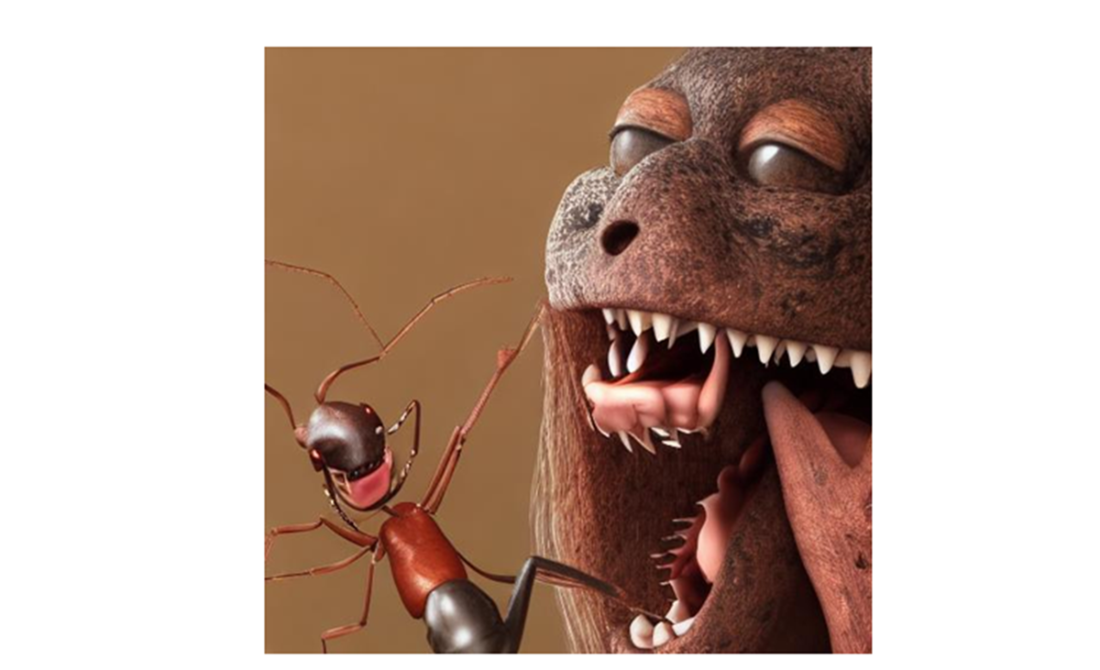
Now we begin our journey to create images from mere text! We’re going to type words and a black box is going to create images of what it thinks that text will look like. Certainly sounds fun but will we get what we want from that box? What are the words we should be saying? Are there things we can understand about how this mysterious AI works that will help us get closer to what we want? The results will be “wonderful and strange”, as Agent Cooper describes in our open quote, but I know I’d prefer them to be closer to the wonderful side then the... well just look at what can go wrong in figure 1.1
Figure 1.1 Stable Diffusion sure can create strange things, let’s try to avoid going too far in that direction.
To create wonderful things (and we most certainly will), we need to learn about how to talk to Stable Diffusion and also start to peek into that black box a bit to get an idea of how it works. With the right techniques and the right tools we can master this almost magical device.