Appendix A. Setting up and using ChatGPT
The process of getting set up with ChatGPT is a relatively simple one. First, we create an account with OpenAI which can be done via the login and registration page found here: https://chat.openai.com/auth/login. From there we create our account, focusing on registering for a free account for now.
Once we are registered, we can log in via https://chat.openai.com/ to be presented with the ChatGPT home page, where we can begin to send prompts.
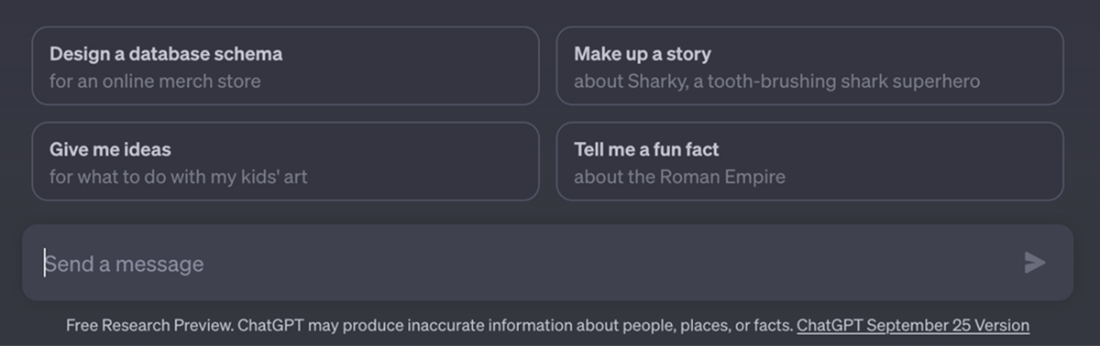
To use ChatGPT, we need to provide it with instructions, or prompts, that we enter into the form at the bottom of the page entitled Send a Message, as shown in figure A.1.
Figure A.1 The ChatGPT message form
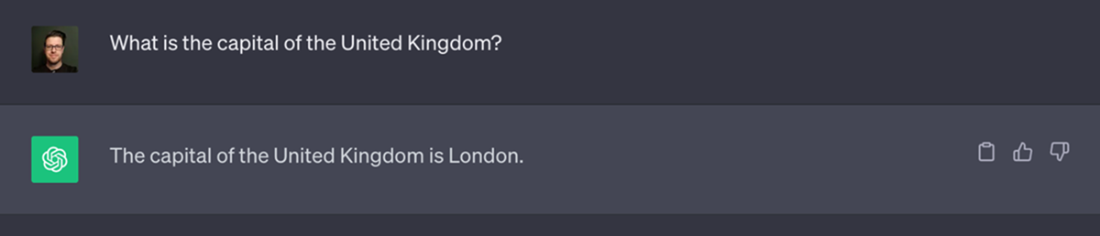
Once a prompt is submitted it will appear at the top of the page, a new chat will be added to the history bar on the left, and ChatGPT will respond as in the example shown in figure A.2.
Figure A.2 A prompt and a response