9 Testing ARM templates
This chapter covers
- Writing tests to validate your code
- Choosing the best test scenario for your infrastructure
- Use different tools to test and validate your templates
- Writing custom tests using Pester and PowerShell
- Run tests in your Azure DevOps pipeline
When writing software, it’s these days common also to write tests. One of the main reasons to write tests is to verify if the code works when you write it and verify that the code still works after making changes later on. In addition, you write tests to build confidence that a change does not negatively impact the quality and that the software is ready for deployment into production.
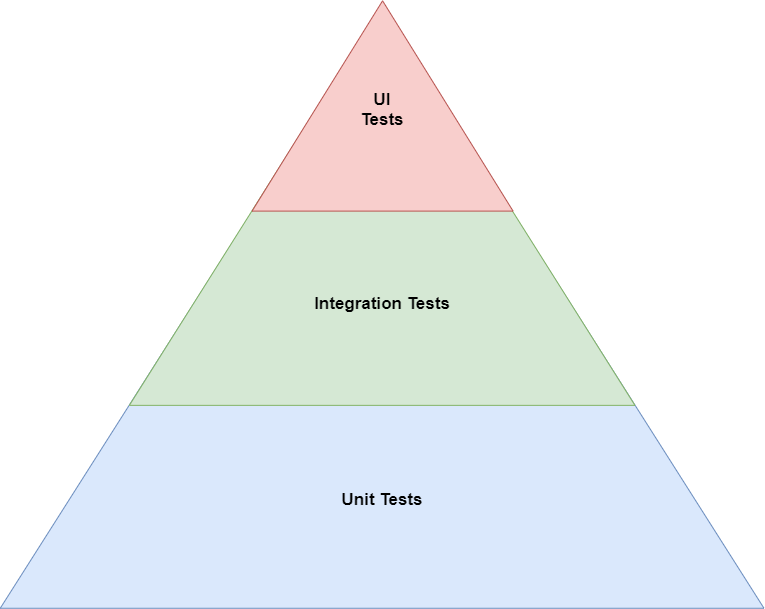
The same applies to testing infrastructure as code. While talking about writing software tests, you might be introduced to what is called the test pyramid. It describes various forms of testing and shows that each has its pros and cons. The layers within this pyramid can be different from application to application, depending on how you build yours. A simple example is below.
Figure 9.1: The testing pyramid for software