Appendix A. OpenAI API Key
Step 1: Create an OpenAI Account Visit https://platform.openai.com and click "Sign up". You can register using your email address or sign in with a Google or Microsoft account. After signing up, you'll need to verify your email address.
Step 2: Add Payment Method Navigate to the billing section by clicking your profile icon and selecting "Billing". Click "Add payment method" to register a credit or debit card. OpenAI requires a payment method on file even if you plan to use free credits.
Step 3: Check Credits and Add Funds New accounts previously received $5-18 in free credits, but this policy has changed over time. Check your current balance in the billing section. If you have no credits, click "Add to credit balance" and add at least $5 to get started. The minimum charge is $5, and credits expire after one year.
Step 4: Generate Your API Key Go to the API keys section (https://platform.openai.com/api-keys) and click "Create new secret key". Give your key a descriptive name like "agent-development" and click "Create secret key".
Important: Copy the key immediately—you won't be able to see it again! If you lose it, you'll need to create a new one.
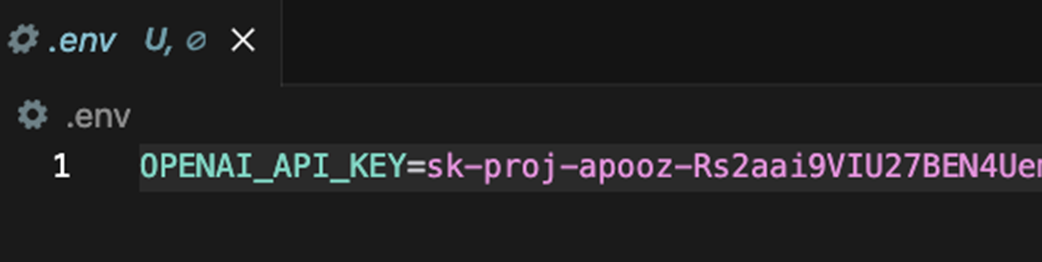
The key should not be hard-coded into your application. Instead, store it securely in a .env file and use the python-dotenv library to load it as an environment variable.