chapter eight
8 Empowering agents with code execution
This chapter covers
- Understanding the limitations of predefined tool approaches and the benefits of code execution
- Connecting code-execution environments to agents
- Porting tools to sandboxes for efficient execution
- Providing complete workspaces with filesystems and the CLI
- Using agent skills for hierarchical tool management
So far, we’ve built agents that register tools and have the large language model (LLM) select and call appropriate tools. This approach is predictable and easy to control, but it reveals clear limitations when applied to complex real-world problems. Let’s explore a new approach. Instead of creating individual functions as tools, we’ll provide an execution environment in which the LLM can write and run code directly. This is what it means to give an agent a computer.
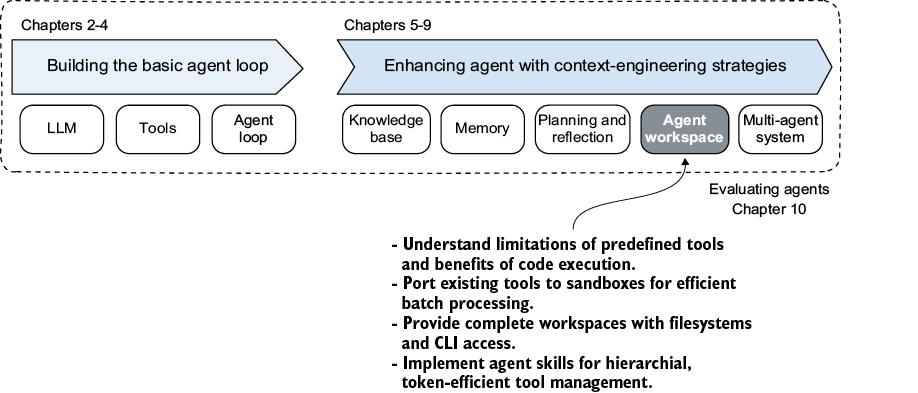
As shown in figure 8.1, we’re ready to enhance agents with context-engineering strategies. We’ll focus on agent workspace, giving agents the same working environment that human developers use.
Figure 8.1 Chapter 8: providing complete workspaces