6 Starting a game
This chapter covers
- Setting up our game project
- Creating a shared library
- Initializing the console
- How the NES displays background graphics
- Displaying the graphics on both our titles screen and then the main screen of the game
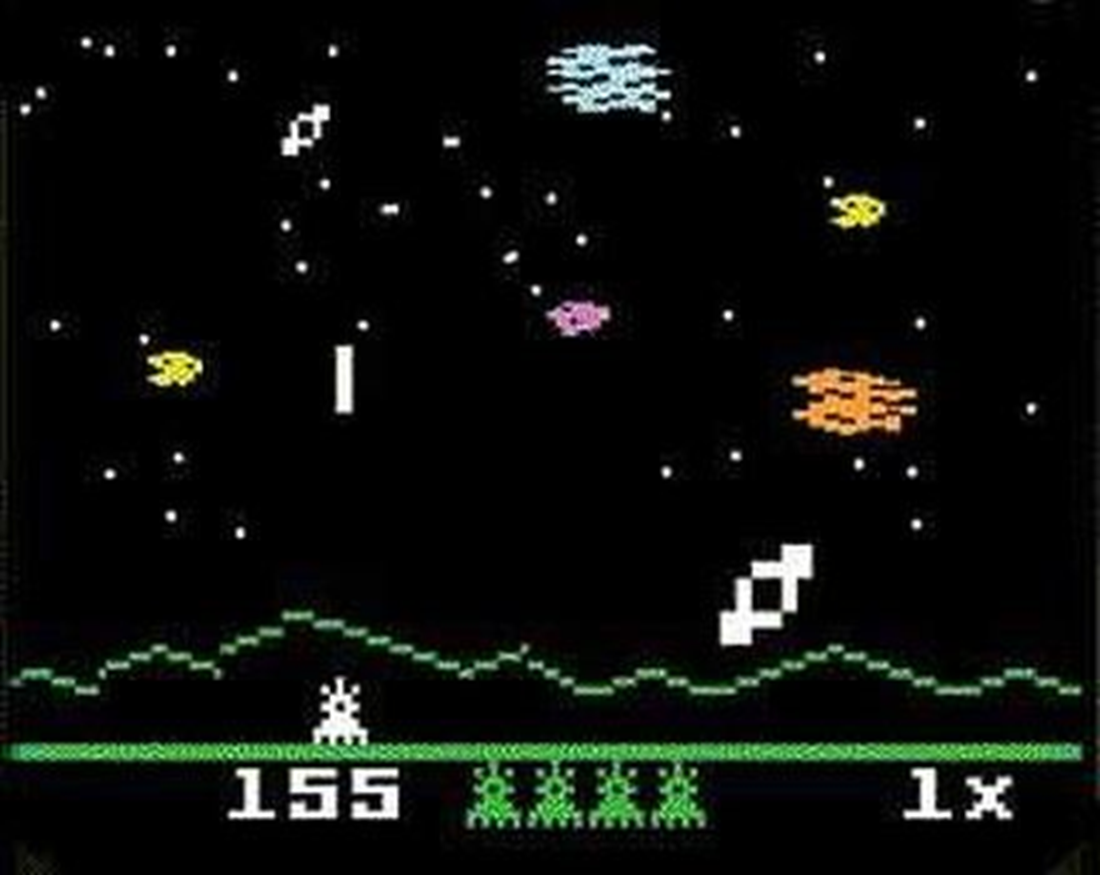
In this chapter we are going to start making our game, called “Mega Blast”. This game is based on the Intellivision game called Astro Smash, a simple space shooting game with our ‘hero’ ship down at the bottom of the screen, and various ‘enemies’ dropping down towards the bottom of the screen.
Why a space shooting game, you may ask? This type of game has simple to understand gameplay elements. These will allow us to cover several common game mechanics, such as object movement, animation, and collision detection, and then move on to more advanced topics such as sound effects and music.
Figure 6.1 Astro Smash on the Intellivision
6.1 Setting Up Our Game Project
As we are starting to put together our game, we need to set up the various support files that will make up our project. This will allow us to build and test our code as we go. This will mostly be the code we have covered in the previous chapter with some modifications to suit our game, but we will go through the differences.
As a first step, create a new directory that will hold all the source files for the game. You are free to place this directory anywhere you like and call it whatever you like, but for the rest of this book I will refer to a project directory called “Megablast”.