14 Jenkins Administration & Best Practices
This chapter covers
- Sharing common code and steps across multiple CI/CD pipelines
- Granting job permissions for a user with Matrix Authorization Strategy plugin
- Using GitHub as the source of authentication information to secure a Jenkins instance
- Backing up and restoring Jenkins plugins and jobs
- Using Jenkins as a scheduler for cron jobs
- Migrating build jobs to a new Jenkins instance
In the previous chapter, we covered how to monitor a Jenkins cluster and how to configure alerts and correlate Jenkins logs and metrics to identify issues and avoid downtime. In this chapter, we will learn how to enforce security on Jenkins by setting up granular access with Rules-Based Access Control (RBAC) for logged users and how to add an extra security layer using the GitHub authentication mechanism. We will be discussing also a few tips and tricks that you might find useful when maintaining a Jenkins instance. We will look at things like how to backup, restore and archive build jobs or migrate them from one server to another.
14.1 Exploring Jenkins Security & RBAC Authorization
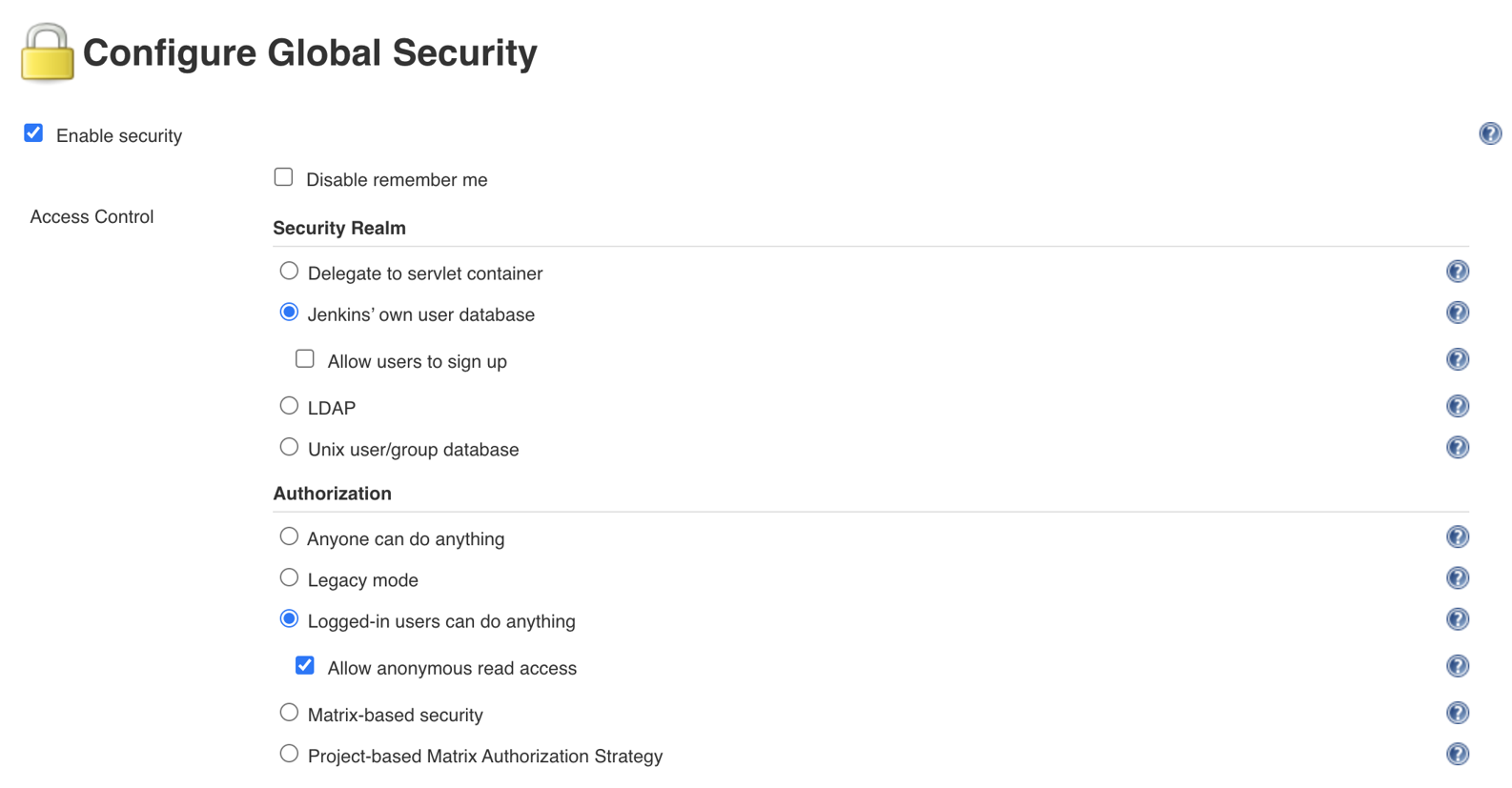
The current configuration of Jenkins allows not-logged users to read access and logged users to access almost everything. To override this default behavior, head to the “Configure Global Security” section from “Manage Jenkins”:
Figure 14.1. Enabling security in Jenkins