2 Building server-side applications with Wasm modules
This chapter covers
- Building a Wasm "Hello, World" with Rust
- Understanding Wasm memory and data types
- Understanding the guest-host architecture of server-side Wasm applications
- Writing and compiling Rust code to Wasm
- Executing a Wasm module with a custom Wasm runtime
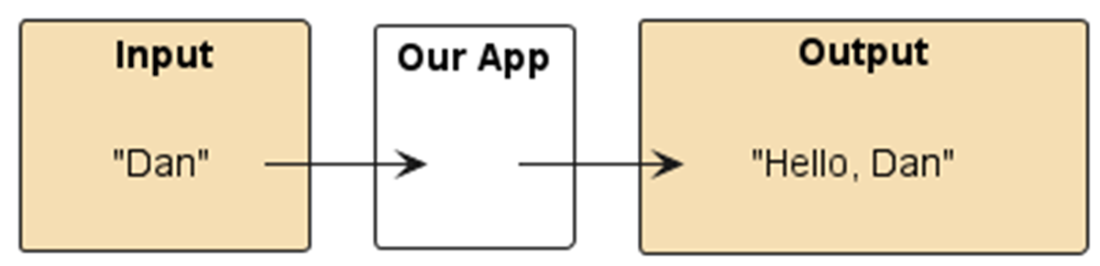
In this chapter, we are going to build a simple "Hello, World" application. As illustrated in figure 2.1, our app will take a string as input and will then output that string with "Hello, " in front of it. This task is particularly interesting because Wasm doesn't offer a built-in string type. Before diving into more advanced features, we will first tackle this challenge using the basic, "raw" Wasm approach. This will give us a solid foundation and a clear understanding of how Wasm operates at a lower level. By starting with the fundamentals, we'll be better equipped to appreciate the more streamlined and powerful techniques that will be introduced later.
Figure 2.1 High-level view of our "Hello, World" application.
2.1 Understanding Wasm's building blocks
We will begin by rolling up our sleeves and working with the fundamental elements that Wasm offers out of the box: linear memory, and four primitive data types (i.e., integers and floats, both in 32- and 64-bit sizes).