concept Canvas in category android

This is an excerpt from Manning's book Android in Practice.
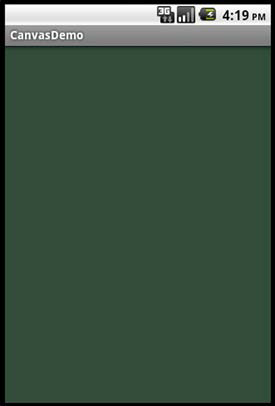
From the main Activity, we’ll build other activities that exercise many of the different Canvas drawing methods. We’ll kick it off with an Activity that includes a single custom view that paints the entire content area with a random color, as seen in figure 12.2.
The Canvas is a drawing surface, as the name implies. With it, we can draw points, lines, circles, arcs, rectangles, and more. Canvas supports pixels and subpixels, but for the sake of simplicity, let’s say that a point is a pixel. This will allow us to use integers in our drawing methods.
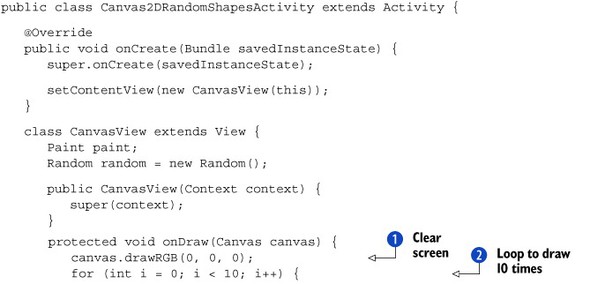
Canvas uses the Paint object when drawing primitives. We need to define a Paint object before we do any drawing. Think of Paint as the brush we need to pick before we start painting. The brush defines the line thickness, the styles, the color, and more. In the following listing, our second CanvasDemo Activity modifies the custom view we’ve already seen and shows how these two classes work together to draw simple shapes to the screen.