concept app name in category c#

This is an excerpt from Manning's book Windows Store App Development.
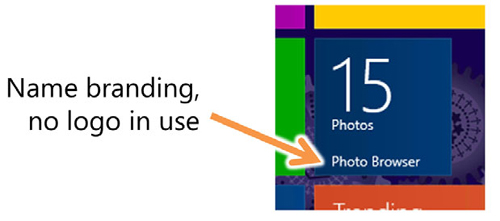
One thing I don’t care for in the notification is the use of the small logo. I prefer, for this app, to use the app name, as shown in figure 12.12.
The process for listing the app starts with getting a store account. Once you have that, you can reserve an app name, get all the listing items in order, and then list the app.
Don’t reserve app names that are copyrighted or trademarked by other companies. For example, if you name your app “Facebook,” expect to get your app taken down in the future when Facebook files a complaint. Additionally, names that are likely to trigger a complaint are, to the best of my knowledge, never featured or showcased in the Windows Store.
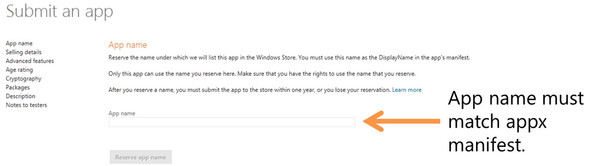
To reserve an app name, go to the Windows Store dashboard, https://appdev.microsoft.com/StorePortals/, and select the option to submit an app. You’re not actually submitting anything at this point, just reserving the name. Figure 23.11 shows the page on the Windows Store dashboard.