concept browser in category cryptography

This is an excerpt from Manning's book Real-World Cryptography.
This is exactly the same scenario we talked about in the introduction of this chapter. Once the javascript file is retrieved, the browser will hash it (using SHA-256) and verify that it corresponds to the digest that was hardcoded in the page. If it checks out, the javascript file will get executed as its integrity has been verified.
Simplified, the browser requests pages and parses responses using the Hypertext Transfer Protocol (HTTP). HTTP uses a human-readable format (you can look at the HTTP messages and read them without the help of any tool) to wrap the actual content of the requests and responses. HTTP messages are encapsulated using the Transmission Control Protocol (TCP), which is a binary protocol and thus not human-readable (you need a tool to understand what each byte of the request means). TCP messages are also encapsulated using the Internet Protocol (IP), and IP messages are further encapsulated… If you want to learn more about all these networking layers, many books exist.[59]
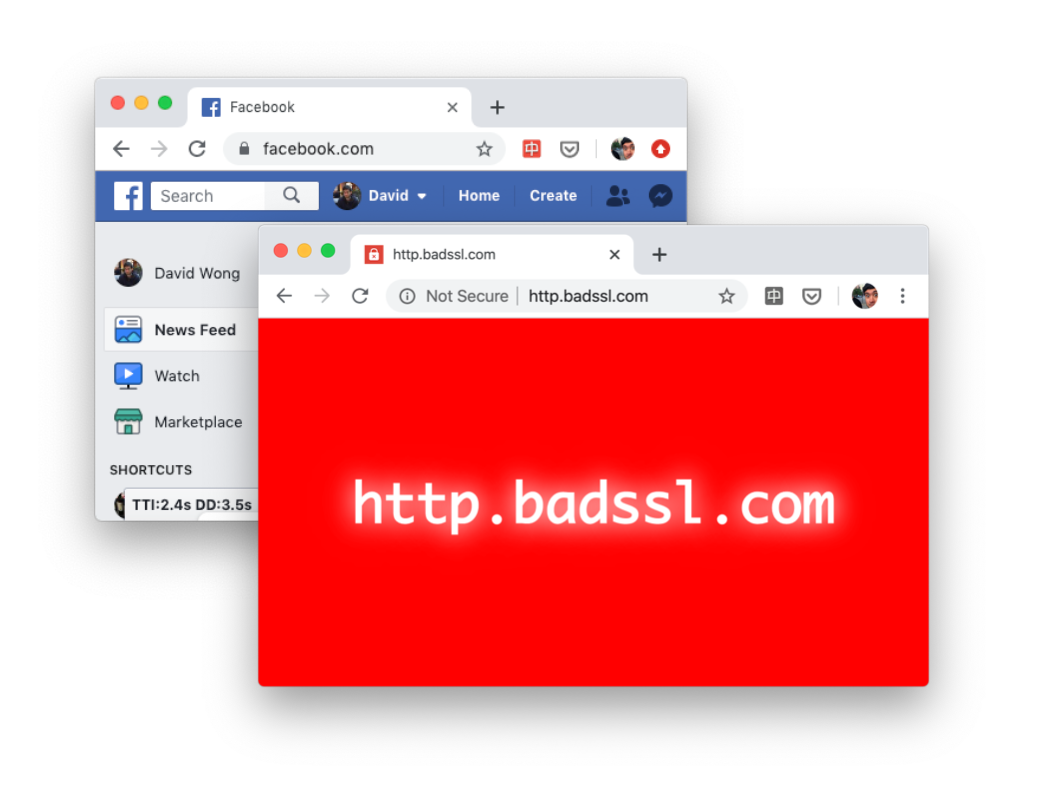
Figure 9.3. Historically, addresses would start with either
http://orhttps://indicating which protocol they were using. Nowadays browsers like Chrome simply display a lock next to the address when using HTTPS, and a "not secure" warning when using HTTP without TLS. (www.badssl.com is a useful page to test browsers in different settings.)