concept secret in category docker

This is an excerpt from Manning's book Learn Docker in a Month of Lunches.
The Docker Compose format records all the properties you need to configure your app, and it can also record other top-level Docker resources like volumes and secrets. This app just has a single service, and even in this case it’s good to have a Compose file that you can use to run the app and to document its setup. But Compose really makes sense when you’re running multi-container apps.
I’m using override files to inject configuration for different environments, and I’m using different approaches for each item, so I can show you the options Docker Compose has. Listing 10.3 shows the core Compose file; this just has the basic information for the web application with a configuration file set up as a secret.
services:
   todo-web:
       image: diamol/ch06-todo-list
       secrets:
           - source: todo-db-connection
                 target: /app/config/secrets.json
Secrets are a useful way of injecting configuration--they have support in Docker Compose, Docker Swarm, and Kubernetes. In the Compose file you specify the source and target for the secret. The source is the place where the secret is loaded from the container runtime, and the target is the file path where the secret is surfaced inside the container.
This secret is specified as coming from the source
todo-db-connection, which means there needs to be a secret with that name defined in the Compose file. The contents of the secret will be loaded into the container at the target path/app/config/ secrets.json, which is one of the locations the application searches for configuration settings.The preceding Compose file on its own isn’t valid because there is no secrets section, and the
todo-db-connectionsecret is required because it’s used in the service definition. Listing 10.4 shows the override file for development, which sets up some more configuration for the service and specifies the secret.

This is an excerpt from Manning's book Docker in Action, Second Edition.
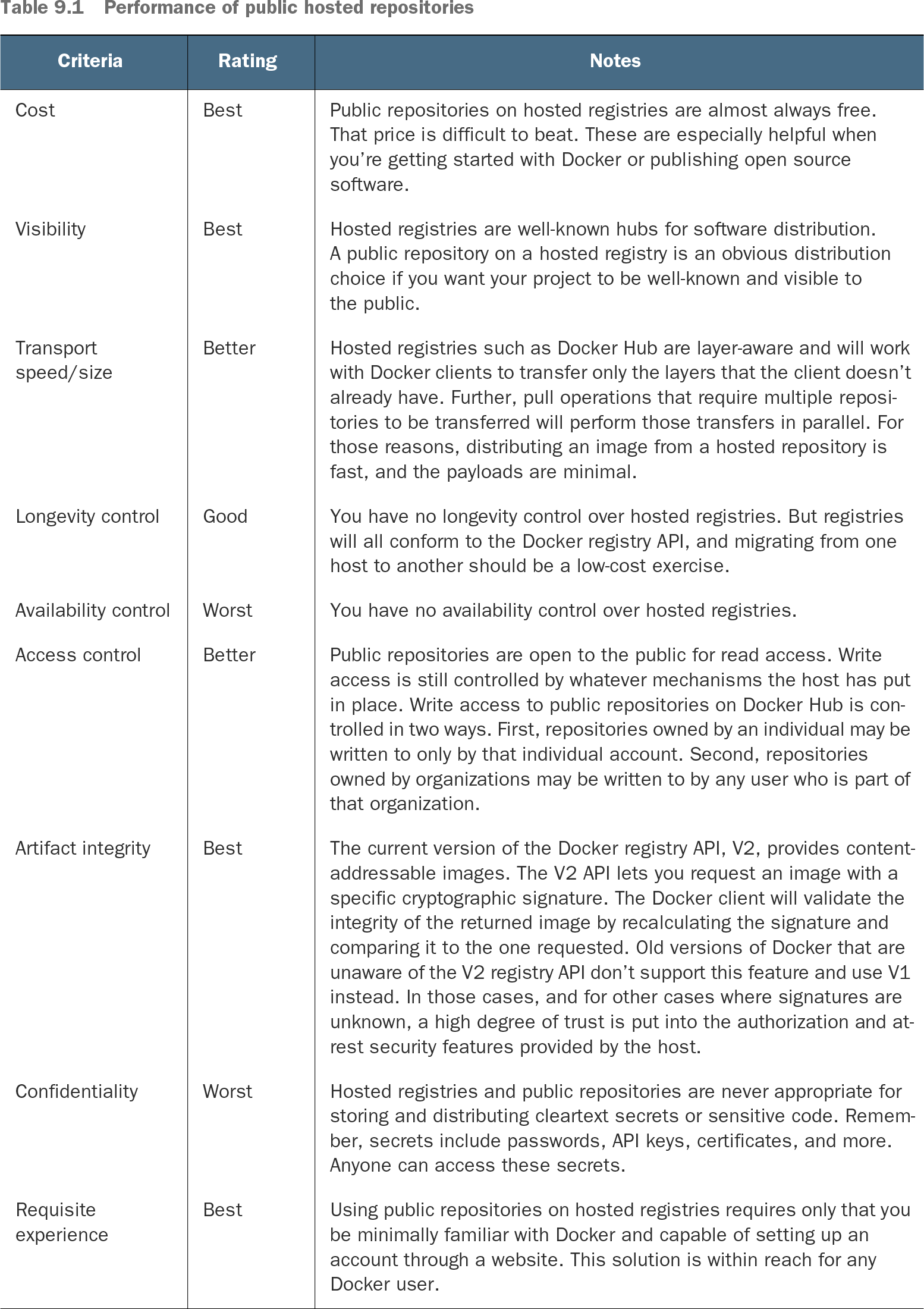
Table 9.1. Performance of public hosted repositories (view table figure)
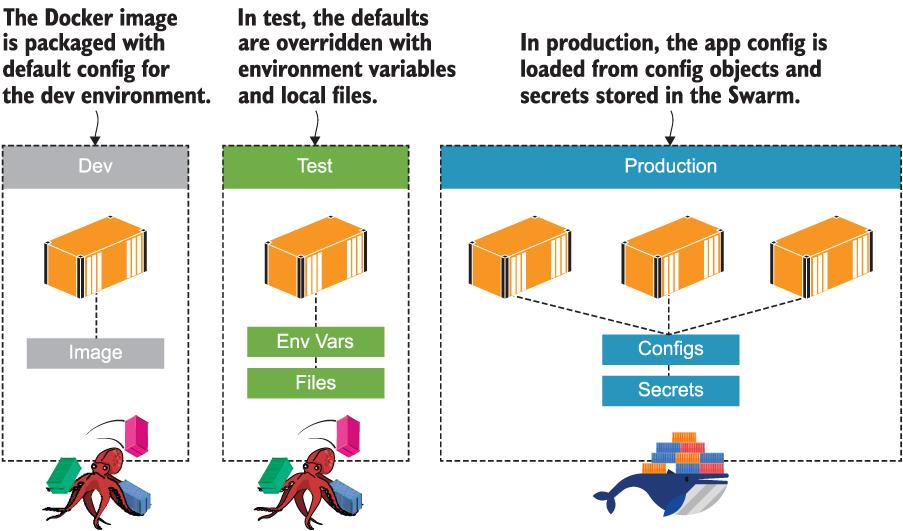
This chapter will show you how to use Docker’s configuration and secret resources to adapt Docker service deployments according to various deployment needs. Docker’s first-class resources for modeling configuration and secrets will be used to deploy a service with different behavior and features, depending on which environment it is deployed to. You will see how the naive approach for naming configuration resources is troublesome and learn about a pattern for solving that problem. Finally, you will learn how to safely manage and use secrets with Docker services. With this knowledge, you will deploy the example web application with an HTTPS listener that uses a managed TLS certificate.
version: '3.7'

configs:
  env_specific_config:
    file: ./api/config/config.${DEPLOY_ENV:-prod}.yml           #1

services:

  api:
      image: ${IMAGE_REPOSITORY:-dockerinaction/ch12_greetings}:api
      ports:
        - '8080:8080'
        - '8443:8443'
      user: '1000'
      configs:
        - source: env_specific_config
          target: /config/config.${DEPLOY_ENV:-prod}.yml        #2
          uid: '1000'
          gid: '1000'
          mode: 0400 #default is 0444 - readonly for all users
      secrets: []
      environment:
        DEPLOY_ENV: ${DEPLOY_ENV:-prod}
Notice that there is no Data field as there was with a config resource. The secret’s value is not available via the Docker tools or Docker Engine API. The secret’s value is guarded closely by the Docker Swarm control plane. Once you load a secret into Swarm, you cannot retrieve it by using the docker CLI. The secret is available only to services that use it. You may also notice that the secret’s spec does not contain any labels, as it is managed outside the scope of a stack.