concept select photo in category elm

This is an excerpt from Manning's book Elm in Action.
Now all that remains is to pass in selectedUrl, which we can do with an anonymous function. While we’re at it, let’s also add another img to display a larger version of the selected photo.
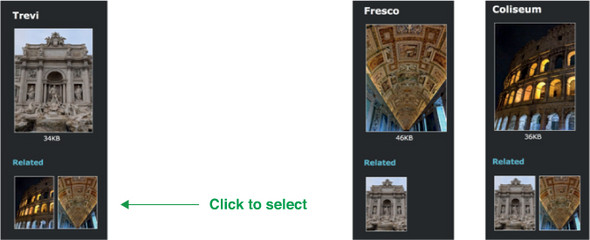
The new Photo Folders page we’ll be building will have two main sections: the folders themselves, followed by a large display of the selected photo and its related photos. When the user clicks a photo in either the Folders display or in the Related display, that photo will become the selected photo that we show in the Selected Photo display, along with its related photos. Figure 7.1 shows the page we’ll be building in this chapter.
To implement this, we’ll begin by creating two new functions, viewSelectedPhoto and viewRelatedPhoto, which we’ll call from view to render the selected photo and its related thumbnails. Let’s add the contents of the following listing to the end of PhotoFolders.elm.