concept single selection in category ember

This is an excerpt from Manning's book Ember.js in Action.
The ability to support a single selection or multiple selections from the menu
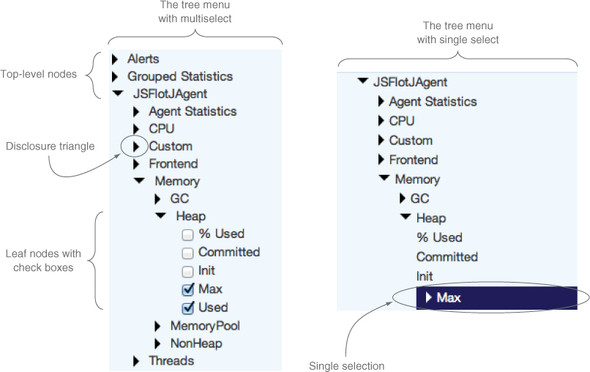
To support single selection, you first need to add a flag that tells the component whether you want to allow multiple selections or only a single selection. You also need to make sure that this property (allowMultipleSelections) gets passed down to the tree-menu-node component. Although you could rely on simply toggling the underlying model’s isSelected property when you implemented multiple selections, in the case of single selections, you want the component to assign the selected item to the property that you assign to the tree-menu component’s selectedNode property. As with the allowMultipleSelection property, you need to send the selectedNode property down to each of the tree-menu-node components as well. The following listing shows the updated tree-menu component template.