concept tab in category griffon
appears as: tabs, tab, tabs, tab

This is an excerpt from Manning's book Griffon in Action.
In this section, you’ll expand your GroovyEdit application by adding tabs, a menu structure, and the ability to open, save, and close files. At the end, you should have a working application that looks similar to figure 1.5.
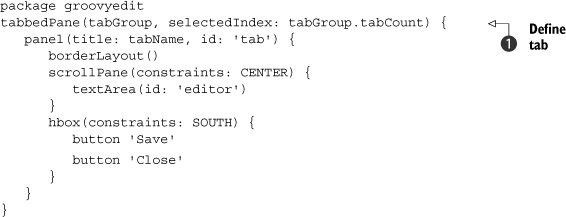
In many modern editors, when you open a new file, it’s opened in a new tab with the file name displayed on the tab. To implement this UI functionality, you’ll create a MVC group to display the file that you’ve opened via the Open action. The new MVC group is where you’ll provide the view, controller, and model for that tab.