concept chart in category ionic

This is an excerpt from Manning's book Ionic in Action: Hybrid Mobile Apps with Ionic and AngularJS.
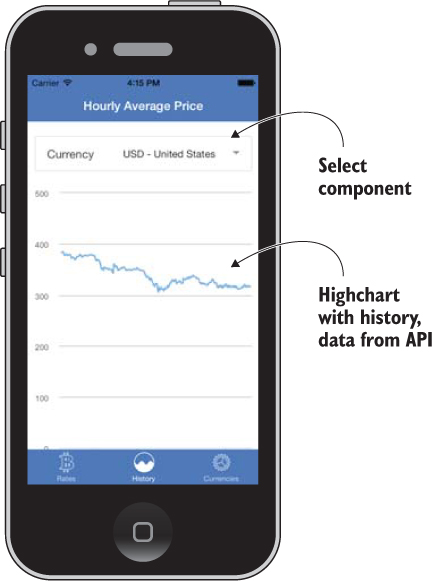
There’s only one loading component that can exist, so even though you call the show method twice, it just updates the already visible component with a new configuration. It doesn’t create two loading components. This is important in cases where you have multiple asynchronous events happening; you’ll have to design logic to properly choose when to hide the component. For example, if you’re displaying a chart that has to load data from two separate HTTP requests, you’ll have to decide if both requests have to finish before you hide the loading component, or if you want to hide it as soon as the first request finishes so you can chart the data immediately and add the second set of data when it finishes later.
Throughout the chapter we’ll look at a number of Ionic’s features and components. The side menu will be the basis for your app navigation, and you’ll use just a single left menu that can appear to navigate around the app. You’ll use the action sheet component to provide users a list of options, such as to note a favorite location. Using a modal, you’ll display the next year’s chart of sunrise and sunset values. To make this chart perform better, you’ll use the collection repeat feature of the Ionic lists, which reduces memory for large lists by rendering only the necessary items.