concept project in category ionic

This is an excerpt from Manning's book Ionic in Action: Hybrid Mobile Apps with Ionic and AngularJS.
Engaged community and open source spirit— The Ionic community is very active on forums, with code contributions, and in sharing tips and tricks about the platform. The open source spirit is alive and well within the project. Powerful CLI tool— With the Ionic CLI tool, you can quickly manage development tasks such as previewing the app in a browser, emulating the app, or deploying an app to a connected device. It helps with setting up and starting a project as well.
This is the generic structure of any Ionic app. The files and directories that are set up and required by Cordova are config.xml, hooks, platforms, plugins, and www. The rest are created by Ionic. Ionic uses both Bower and npm to load some of the dependencies for the project.
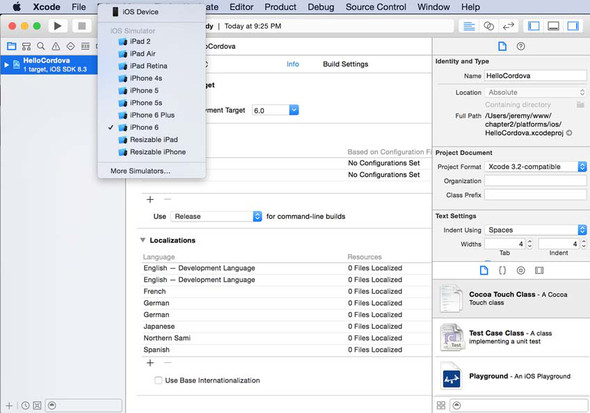
Before you can preview your app in an emulator or on a device, you need to set up the project to support the platform(s) of choice. Again, you open the command line to use the ionic tool. These two commands will create project files for iOS and Android, respectively:
$ ionic platform add ios
$ ionic platform add android
You can add only one platform per command, so if you plan to support multiple platforms, you’ll have to add them individually. You can see how each platform triggers a different set of tasks that are required to set up the project for that platform.