concept hand in category ios

This is an excerpt from Manning's book iOS 4 in Action: Developing iPhone and iPad Apps.
With HTTP being the basis of most internet programming, it shouldn’t be a surprise that URLs are a foundational technique for internet-based programming. You’ll use them whether you’re calling up UIImageViews, accessing content by hand, or parsing XML. As a result, we’ll spend some time on the two fundamental URL classes: NSURL and NSURLRequest. We’ll also look at how to manipulate HTML data by hand.
This is an excerpt from Manning's book iPhone and iPad in Action: Introduction to SDK Development.

With HTTP being the basis of most internet programming, it shouldn’t be a surprise that URLs are a foundational technique for internet-based programming. You’ll use them whether you’re calling up UIImageViews, accessing content by hand, or parsing XML. As a result, we’ll spend some time on the two fundamental URL classes: NSURL and NSURLRequest. We’ll also look at how to manipulate HTML data by hand.

This is an excerpt from Manning's book iPhone in Action: Introduction to Web and SDK Development.
This scaled view is what the iPhone calls a “viewport.” As you’ll see, viewport size can be set by hand as part of a web page design, forcing a page to scale either more or less when it’s translated onto the iPhone. However, for any web page without an explicit viewport command, the 980-pixel size is the default.
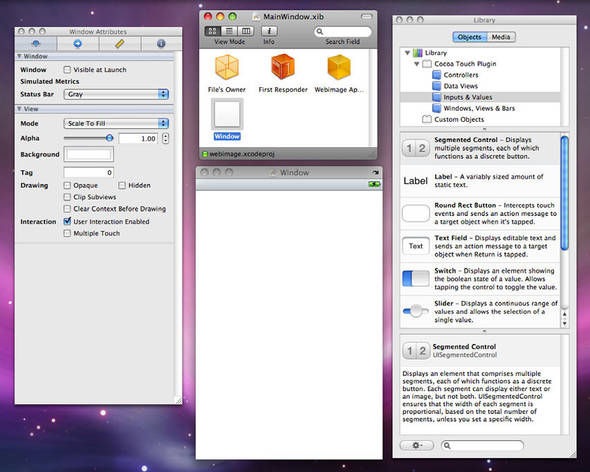
With HTTP being the basis of most iPhone internet programming, it shouldn’t be a surprise that URLs are a foundational technique for internet-based programming. You’ll use them whether you’re calling up UIImageViews, accessing content by hand, or parsing XML. As a result, we’re going to spend a bit of time on the two fundamental URL classes: NSURL and NSURLRequest.