concept personalization option in category java

This is an excerpt from Manning's book Portlets in Action.
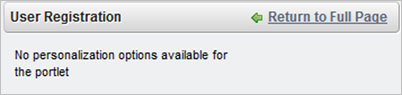
You may have noticed that the User Registration portlet doesn’t show any hyperlinks or buttons to let users access the personalization options for the portlet. Later in this chapter, you’ll see how a portlet specifies support for the personalization feature, which in turn instructs the portal server to generate a hyperlink or button that allows users to access the personalization page. For now, you can assume that the User Registration portlet does support the personalization feature, but that the personalization page shows nothing but a message, as shown in figure 2.4.
Figure 2.4. The message displayed when a user selects the option to personalize the User Registration portlet
As with the personalization option, if a portlet specifies that it supports showing help information, the portal server is responsible for generating a hyperlink or button that allows users to access that help information. A portlet’s help information should describe how the portlet should be used, how to personalize it, and so on. Figure 2.5 shows the help page for the User Registration portlet.

To show the personalization options in EDIT mode, you need to do the following: