concept < input in category jQuery
appears as: <input, <input, n <input

This is an excerpt from Manning's book jQuery UI in Action.
<input name="to" required>
<script>
    $( "input" )
        .attr( "title", "You must provide an airport code." )
        .tooltip();
</script>
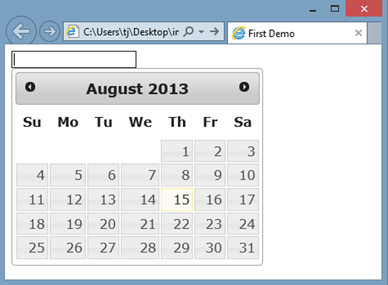
No matter how simple the use case, the native controls still have one big problem: browser support. Although some HTML5 elements are now widely implemented, others—like <input type="date">—are only present in a handful of browsers. But you have another option. If you want to use HTML5 controls today, and you don’t want to worry about browser support, you can use jQuery UI to polyfill the native functionality.