concept todo widget in category jQuery

This is an excerpt from Manning's book jQuery UI in Action.
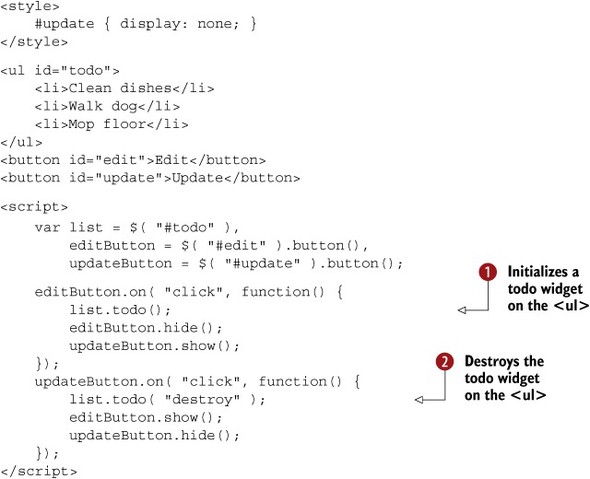
For one, it can be useful to have the ability to completely undo a widget’s effect when building a UI. The following listing uses the todo widget to build an editable list of items.
In this example, you have two buttons: Edit and Update. The Edit button converts the example’s <ul> to a todo widget
. The user can then check off items on the list.
When the user clicks Update, the todo widget’s destroy() method removes the todo widget from the <ul>
, leaving a list of items. Because of your implementation of _destroy(), items that the user checks are removed from the <ul> when it’s destroyed. This workflow is shown in figure 8.4.
This example works by adding a <button> element to each <li> in the list. In _create(), after calling _super(), you use _on() to attach an event listener for buttons in the list
Next, you have to inject the <button> elements into each <li>. Because the todo widget’s _renderList() method is called every time the list is manipulated (when items are added, removed, checked, or unchecked), it makes for a perfect extension point for the todo widget. We’ll discuss extensions points in more detail in the next section, but for now know that extensions points are methods that are convenient to extend.