concept Kafka server in category microservice

This is an excerpt from Manning's book Microservices Security in Action.
Once ZooKeeper is up and running, we can start the Kafka server. Open a new tab on your command-line client and navigate to the kafka_home directory; then execute the following command:
\> bin/kafka-server-start.sh config/server.propertiesOnce the Kafka server is running, we can create our topic for publishing messages. Kafka, by default, comes with a utility tool that helps us to create topics easily. Open a new tab on your command-line client and navigate to the kafka_home directory as before. Let’s create our first topic by executing the following command. Note that we’ll use
firsttopicas the name of the topic we’re creating:
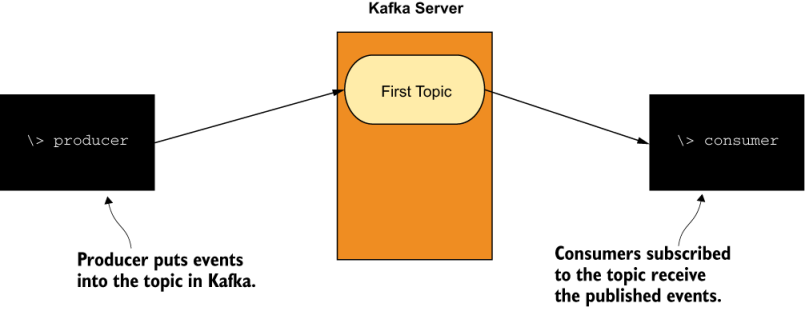
Once these properties are set, save and close the file and start the Kafka server. The Kafka server is now ready to accept requests from clients who can authenticate themselves. If you attempt to run the microservices from section 9.5, those would fail because we’ve mandated client authentication on Kafka. The microservices from section 9.5 didn’t have mTLS configurations enabled, hence the failure.