concept modal in category nativescript
appears as: modals, modal, The modal, modal, modals
This is an excerpt from Manning's book NativeScript in Action.
Start by creating two new files in the app/views folder: selectDate-page.xml and selectDate-page.js. But wait a minute! We’re creating a page for a modal? Yep. Modals are simply pages, and you can create them just like you create any other page. Because they’re pages, the file-naming conventions for the XML, JavaScript, and CSS files apply.
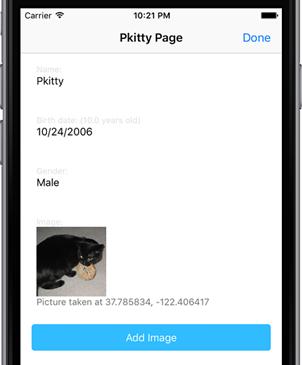
Figure 11.6 The scrapbookUpdate-page page with both date picker and list picker input fields refactored to modals.
Listing 17.14 The select-date.html file that defines the UI of the select-date component (and modal)
<StackLayout> <DatePicker [(ngModel)]="date"></DatePicker> #1 <Button class="btn btn-primary btn-rounded-sm btn-active" text="Done" (tap)="onDoneTap()" > </Button> </StackLayout> #1 DatePicker elements can be bound with ngModel