concept app - cli in category openshift

This is an excerpt from Manning's book OpenShift in Action.
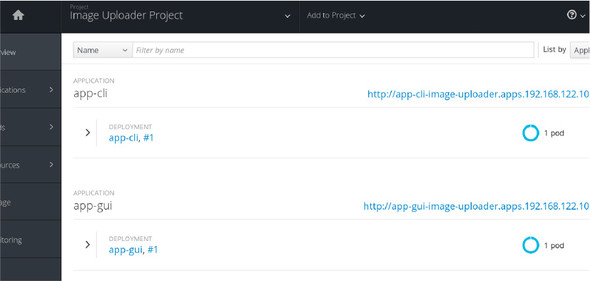
When you deployed app-cli, you selected the PHP image stream that included the PHP 7.0 builder image. In the web interface, you can follow the same process. The builder image image streams are available in a handy catalog. For your second application, you’ll deploy the same Image Uploader application again. Click the PHP option from the catalog to proceed (see figure 2.7).
For app-gui and app-cli, you didn’t specify specific CPU or memory resources to be allocated for either deployment. These best-effort deployments—deployments that don’t request specific resources and are assigned a best-effort quality of service (QoS)—can govern default values at the project level in OpenShift by using limit ranges. In the next section, we’ll discuss limit ranges in more depth, and you’ll create your own and apply them to the image-uploader project.
For app-cli, this cgroup limits the container’s access to 1 CPU during 100,000 out of every 100,000 microseconds:
bash-4.2$ cat /sys/fs/cgroup/cpu/cpu.cfs_quota_us
100000
bash-4.2$ cat /sys/fs/cgroup/cpu/cpu.cfs_period_us
100000