concept installer in category openshift
appears as: installer

This is an excerpt from Manning's book OpenShift in Action.
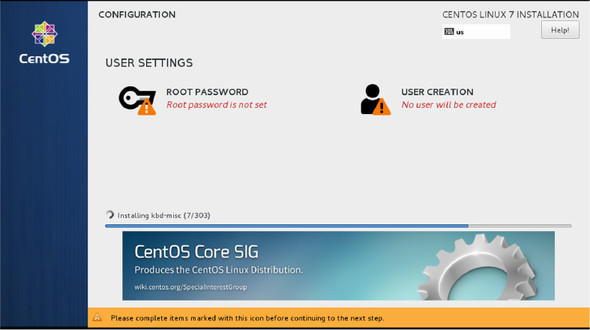
You’ll be prompted to set a password for your root user. Click the Root Password button shown in figure A.8, and you’ll be prompted to enter and confirm a root password. Type a password, and click Done. If it’s a weaker password, the installer may warn you and force you to either change it or click Done again to confirm that’s the password you want to use. For the examples, you won’t have to create any additional users.