concept command - line program in category python
This is an excerpt from Manning's book Tiny Python Projects: Learn coding and testing with puzzles and games.
Why you should learn to write command-line programs
Why do I want you to write command-line programs? For one, I think they strip a program down to its most bare essentials. We’re not going to try to write complicated programs like an interactive 3D game that requires lots of other software to work. The programs in this book will all work with the barest of inputs and create only text output. We’re going to focus on learning the core Python language and how to write and test programs.
Another reason for focusing on command-line programs is that I want to show you how to write programs that can run on any computer that has Python installed. I’m writing this book on my Mac laptop, but I can run all the programs on any of the Linux machines I use in my work or on a friend’s Windows machine. Any computer with the same version of Python can run any of these programs, and that is pretty cool.
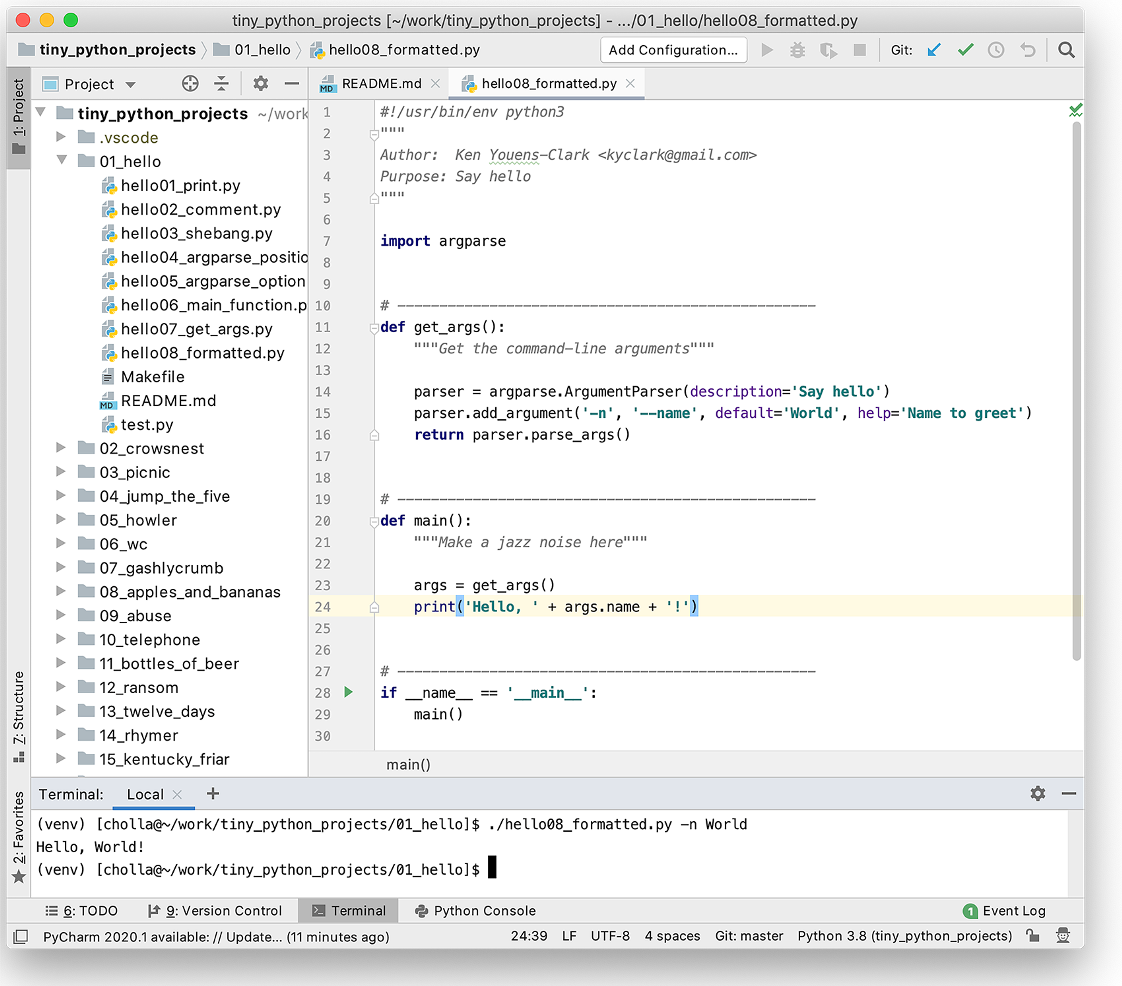
Figure 0.1 This is the PyCharm tool being used to edit and run the hello.py program from chapter 1. “Hello, World!”
The biggest reason I want to show you how to write command-line programs, though, is because I want to show you how to test programs to make sure they work. While I don’t think anyone will die if I make a mistake in one of my programs, I still really, really want to be sure that my code is as perfect as possible.