concept python3 in category python
This is an excerpt from Manning's book Tiny Python Projects: Learn coding and testing with puzzles and games.
You’ll also need some way to execute the
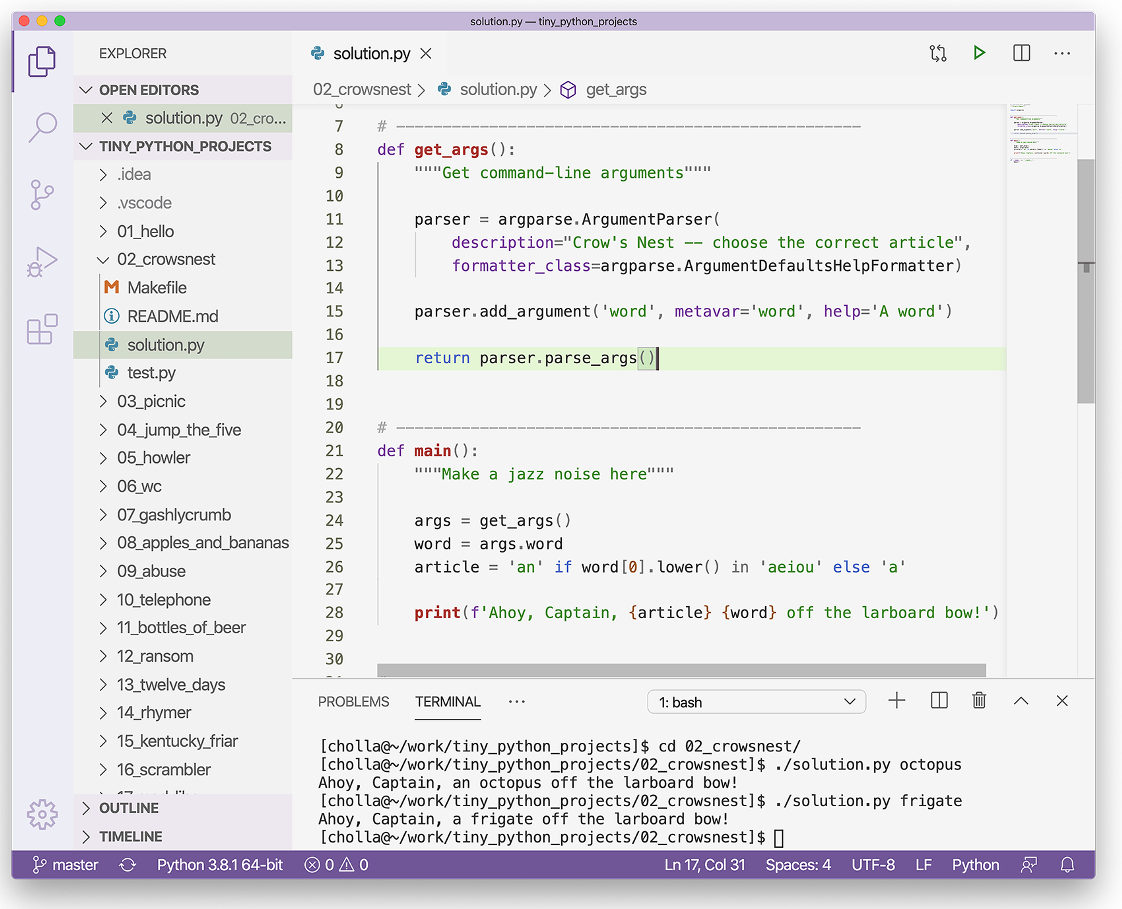
python3command--something we often call a command line. If you use a Windows computer, you may want to install Windows Subsystem for Linux (WSL). On a Mac, the default Terminal app is sufficient. You can also use a tool like VS Code (in figure 0.2) or PyCharm, which have terminals built into them.Figure 0.2 An IDE like VS Code combines a text editor for writing your code along with a terminal (lower-right window) for running your programs, and many other tools.
I wrote and tested the programs for this book with Python version 3.8, but they should work with version 3.6 or newer. Python 2 reached its end of life at the end of 2019 and should no longer be used. To see what version of Python you have installed, open a terminal window and type
python3--version. If it says something like “command "python3" not found,” then you need to install Python. You can download the latest version from the Python site (www.python.org/downloads).
It’s time to run your new program! Open a terminal window in VS Code or PyCharm or in some other terminal, and navigate to the directory where your hello.py program is located. You can run it with the command
python3hello.py--this causes Python version 3 to execute the commands in the file named hello.py. You should see this:
You can use the
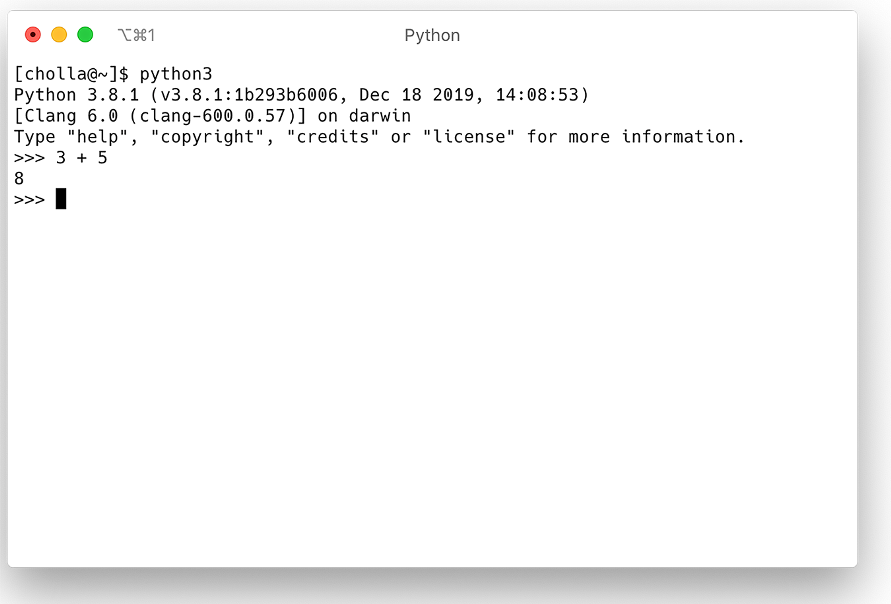
envcommand to find and run programs. If you runenvpython3, it will run apython3program if it can find one. Here’s what I see on my computer:$ env python3 Python 3.8.1 (v3.8.1:1b293b6006, Dec 18 2019, 14:08:53) [Clang 6.0 (clang-600.0.57)] on darwin Type "help", "copyright", "credits" or "license" for more information. >>>The
envprogram is looking forpython3in the environment. If Python has not been installed, it won’t be able to find it, but it’s also possible that Python has been installed more than once. You can use thewhichcommand to see whichpython3it finds:$ which python3 /Library/Frameworks/Python.framework/Versions/3.8/bin/python3If I run this on Repl.it, I can see that
python3exists in a different place. Where does it exist on your computer?$ which python3 /home/runner/.local/share/virtualenvs/python3/bin/python3Just as my
$USERname is different from yours, mypython3is probably different from yours. If theenvcommand is able to find apython3, it will execute it. As shown previously, if you runpython3by itself, it will open a REPL.#!/Library/Frameworks/Python.framework/Versions/3.8/bin/python3