concept DatePickerIOS in category react native
appears as: DatePickerIOS

This is an excerpt from Manning's book React Native in Action.
DatePickerIOSprovides an easy way to implement a native date picker component on iOS.Ithas three modes that come in handy when working with dates and times:date,time, anddateTime, shown in figure 10.1.Figure 10.1
DatePickerIOSwithdatemode,timemode, anddatetimemode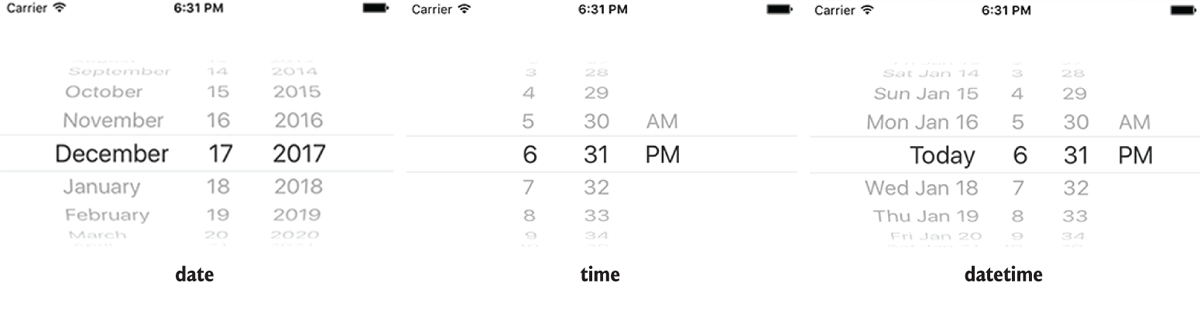
DatePickerIOShas the props listed in table 10.1. The minimum props that need to be passed aredate(the date that’s the beginning or current date choice) and anonDateChangemethod. When any of the date values are changed,onDateChangeis called, passing the function the new date value.Table 10.1
DatePickerIOSprops and method