concept set in category sharePoint

This is an excerpt from Manning's book SharePoint 2010 Web Parts in Action.
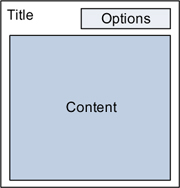
Each site collection in SharePoint has a set of galleries (sometimes called catalogs) containing the various artifacts that are used to build the sites in the site collection. One of these galleries is the Web Part Gallery. This gallery contains all the Web Parts that are available for the editors in that site collection. When creating a Web Part page, users can choose a Web Part from this gallery and add it to the page. Administrators can add new Web Parts to the gallery via web interface.
Each Web Part in the gallery has a set of metadata attached to it, such as a group for grouping Web Parts, as well as default values for the Web Part properties and permissions. The Web Part Gallery will be discussed in greater detail in chapter 2.
public int ItemCount {
    get;
    set;
}
public override WebPartExportMode ExportMode {
    get {
        return WebPartExportMode.NonSensitiveData;
    }
    set {
    }
}