concept task in category sharePoint
This is an excerpt from Manning's book SharePoint 2010 Workflows in Action.
One way to accomplish this is through tasks. Before the workflow waits for the check to arrive, it could create a task assigned to an individual in the mail department. When the mail clerk processes the check, he would edit this task in SharePoint, informing the workflow that the task has been received. You could similarly assign a task to someone in the Accounts Receivable department. That person could edit the task when they see the check has cleared.
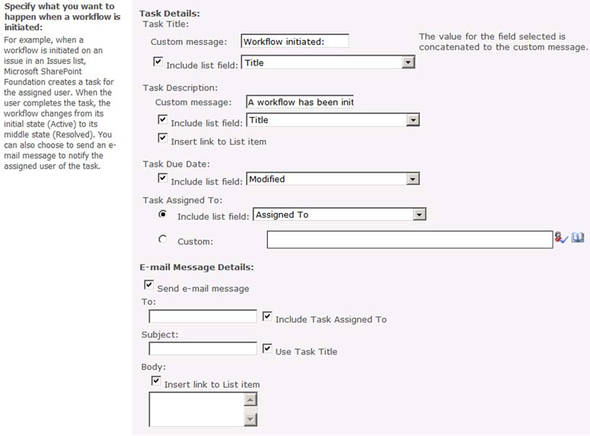
By introducing task processes into your workflows, you can greatly increase the efficiency of the interaction between users and workflows. This is because task processes can issue tasks assigned to a user, and the workflow can go idle while it waits for that task to be completed. It’s easy for users to forget they have workflows waiting for their input. By using task lists, you can provide a location that users can easily reference to find their outstanding tasks.
SharePoint Designer has three main task-related actions that help facilitate this process. The Assign a To-do Item action does exactly this; it assigns a task to a user and waits for that task to be completed. If the workflow needs to gather information from the user rather than wait for a task to be completed, the Assign a Form to a Group and Collect Data From a User actions can help take this task processing to the next level.