concept button in category silverlight

This is an excerpt from Manning's book Silverlight 4 in Action: Silverlight 4, MVVM, and WCF RIA Services.
Certain types of objects may contain one or more of other nested objects. For example, a button may contain a single content object, which itself may contain one or more other objects. In listing 2.1, the UserControl contains the Grid, the Grid contains the Button, and the Button contains a StackPanel, which is a panel that by default lays its children out in a vertical list. The StackPanel itself contains three TextBlock elements.
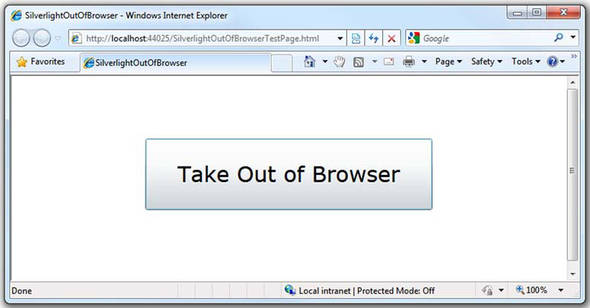
A button is a type of control that responds to a single-click event. This event can be triggered by either a mouse or a keyboard. With a mouse, a user can click a button by pressing and releasing the left mouse button while hovering over it. With the keyboard, a button can be clicked by pressing Enter or the spacebar when the button has the focus. Either way, the general implementation of a button is spread across two classes, ButtonBase and ContentControl.
ButtonBase is an abstract base class used by all buttons in Silverlight. This class provides three members that are directly related to a user’s interaction with a button: IsPressed, Click, and ClickMode. IsPressed returns whether a button is currently depressed. By default, this bool property is set to false. If a user clicks and holds a button, this property will change to true. But, once a user releases the mouse button, the IsPressed property will change back to false. At that point, the Click event will fire, assuming the default ClickMode is used.
As you can see, the buttons in table 10.6 are slightly more complex than the one shown in this example, but it’s intended to show only the basic syntax and look of a Button. This appearance includes a small container that makes a Silverlight Button look similar to the buttons seen in other technologies. This container is designed to hold a Button element’s Content. Occasionally, you may want this Content to behave more like a hyperlink. For these situations, you should look to the HyperlinkButton.