concept column in category silverlight

This is an excerpt from Manning's book Silverlight 4 in Action: Silverlight 4, MVVM, and WCF RIA Services.
This listing defines a Grid with three columns and three rows. The rows and columns of this Grid are defined within the Grid.RowDefinitions and Grid.ColumnDefinitions elements. These elements represent strongly typed collections that serve as containers for the row and column definitions. The individual row and column definitions are shown by the RowDefinition and ColumnDefinition elements. These elements intersect at different points across the Grid, creating a total of nine cells.
Each cell represents the area allocated to a specific region within a Grid. This region is created by the intersection of a row and a column within a Grid. The easiest way to see the boundaries of each cell is to use the Grid element’s ShowGridLines property. Although this property defaults to a value of False, you can set it to True to see the area reserved for each cell. Because these particular grid lines aren’t customizable, they’re generally only used during development. As you’ll see in section 7.3.6, you can add several GridSplitter elements to customize the cell boundaries while giving the user control of cell sizing. Nevertheless, the ShowGridLines property and the GridSplitter element are both useful when sizing a Grid’s rows and columns or arranging its content.
Silverlight 2 included the DataGrid, and Silverlight 3 added the DataForm to the mix of data-centric controls. The DataGrid provides tabular Excel-like data view and editing. The DataForm is like a DataGrid rotated 90 degrees. Where the DataGrid is all about rows and columns for multiple visible entries, the DataForm is about fields and labels for a single visible entry.
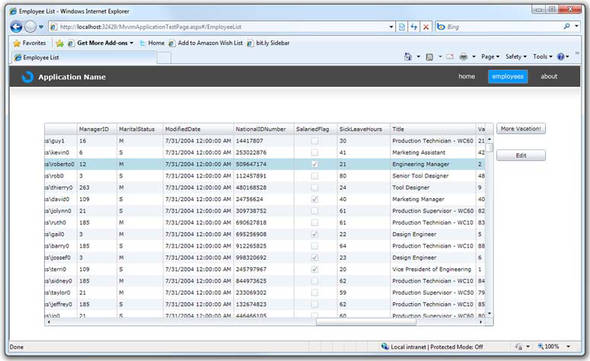
Voilà! This example relies on the System.Windows.Controls.Data assembly to deliver the DataGrid. This Control instance relies on its default behavior to automatically create columns based on the data that it’s bound to. This approach is the fastest way to show the data bound to a DataGrid, and it also has some details that are worth examining.