concept grid in category silverlight

This is an excerpt from Manning's book Silverlight 4 in Action: Silverlight 4, MVVM, and WCF RIA Services.
In this markup, we first tell the ListBox that we want its content to take up the full width of the ListBox, without any horizontal scrolling
. The next bit of markup defines the grid, with an autosized first column and a full-width second column
. Then, we bind an Image to the Image property
of the Tweet class and a TextBlock to the Message property
.
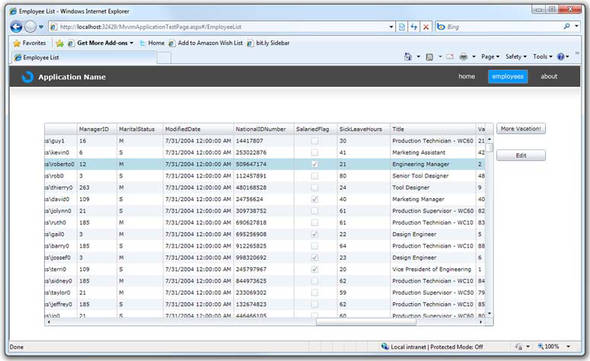
As you’ve seen, the DataGrid empowers you to fully customize how your data is presented. These customizations can be applied at the header, row, and column levels. Note that you don’t have to make any of these adjustments. If you’re looking for a quick way to show your data in a tabular format, you can rely on the fact that the AutoGenerateColumns property defaults to true. Either way, once your data is loaded, you can enable your users to edit the data directly within the grid.