concept image in category silverlight

This is an excerpt from Manning's book Silverlight 4 in Action: Silverlight 4, MVVM, and WCF RIA Services.
In this markup, we first tell the ListBox that we want its content to take up the full width of the ListBox, without any horizontal scrolling
. The next bit of markup defines the grid, with an autosized first column and a full-width second column
. Then, we bind an Image to the Image property
of the Tweet class and a TextBlock to the Message property
.
Images are used on web pages all across the internet. They’re used in the form of application icons, corporate logos, and photos of you and your friends. It’s been quite a while since I’ve seen even a regular forms-over-data application that didn’t have images in the UI somewhere. Obviously, bitmap-based images have become a mainstay of application design.
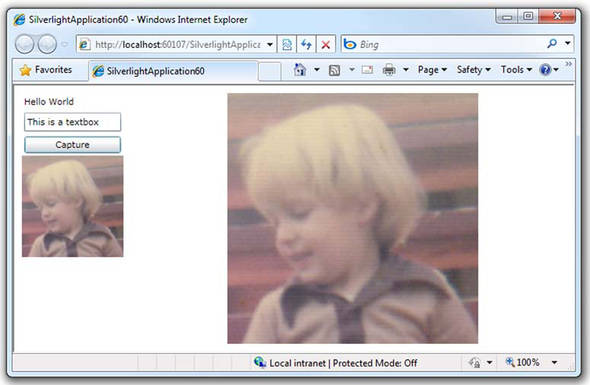
There are some restrictions when creating images from existing images. If you download the image from another server—in other words, a cross-domain call like we discussed in chapter 14—you won’t be able to access the individual pixels of the image. In our example, we’ll use an image that already exists in our project. The resulting application will look like figure 21.1 once you click the Capture button.
This example shows how to use one bitmap as a source to the writeable bitmap. Once you have the image in a writeable bitmap, you can manipulate it all you’d like (within the cross-domain restrictions I mentioned). Double-click the Capture button to create an event handler, then place this code in the handler:
BitmapSource source = SourceImage.Source as BitmapSource;
WriteableBitmap bmp = new WriteableBitmap(source);
ResultBitmap.Source = bmp;
Of course, you can also load the image from a URL. This code, used in place of the previous example, shows how: