concept option in category silverlight
appears as: options, options, The options, option, n option, Option

This is an excerpt from Manning's book Silverlight 4 in Action: Silverlight 4, MVVM, and WCF RIA Services.
Once you click OK, you’ll be presented with another dialog. This dialog provides options specific to the Silverlight project. Figure 1.3 shows the dialog.
Typically, you’ll leave the options at their default values and just click through this dialog. But it’s important to understand what’s available to you. Table 1.1 describes each of the options presented in this dialog.
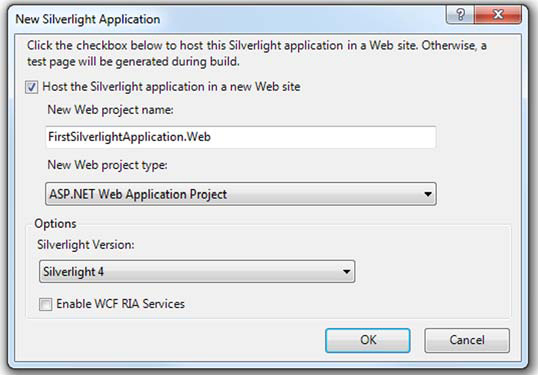
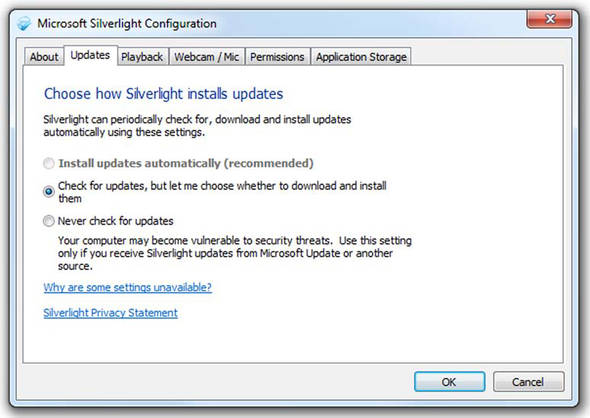
Figure 3.7. The Silverlight Configuration dialog box (Silverlight 4 adds a Webcam/Mic tab). This dialog box is accessible by right-clicking Silverlight content within a web browser. Administrators may configure the Silverlight auto-updater for all users, thereby disabling the ability to change options on this screen.