concept reference in category silverlight
appears as: reference, reference, references

This is an excerpt from Manning's book Silverlight 4 in Action: Silverlight 4, MVVM, and WCF RIA Services.
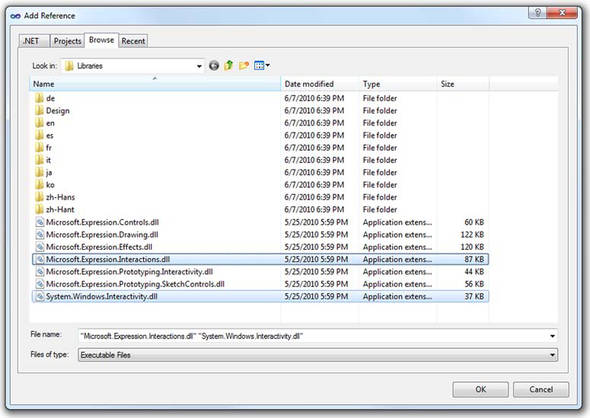
Right-click the project and choose Add Reference; add a reference to System.Xml.Linq. Figure 1.5 shows the dialog with the correct reference selected.
The final required step before we get into the report itself is to add a reference to the WCF service. First build the solution and ensure that there are no errors. Then, right-click the Silverlight project and choose Add Service Reference.