concept analysis in category sonarqube

This is an excerpt from Manning's book SonarQube in Action.
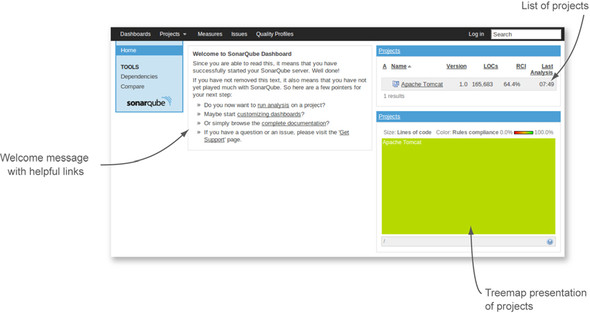
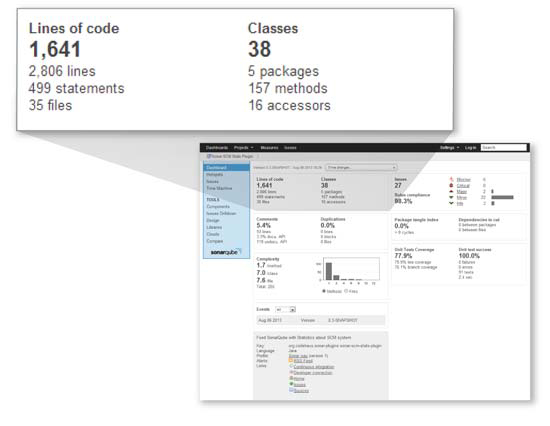
The size metrics widget at upper left falls in the neutral category. It tells you how many lines of code, methods, classes, and packages it found during the analysis, as shown in figure 1.4.
This section elaborates on this topic and discusses some project-dependent features and configuration that will help smooth the adoption of the Continuous Inspection practice. We’ll start by showing how you can assign multiple quality profiles in a project and the reasoning behind doing so. Then we’ll explain manual metrics, and finally you’ll learn when and how you might want to exclude part of your source code from analysis.
Which one you should use? It depends on what you want to achieve. You can even combine them. In general, SonarQube’s core exclusions feature is used when you want to ignore source files during analysis. Switch Off Violations fits when you want to bypass issue creation without modifying the quality profile. And finally, keep in mind that the Cutoff plugin is convenient to exclude legacy parts of the code.