concept package in category sonarqube

This is an excerpt from Manning's book SonarQube in Action.
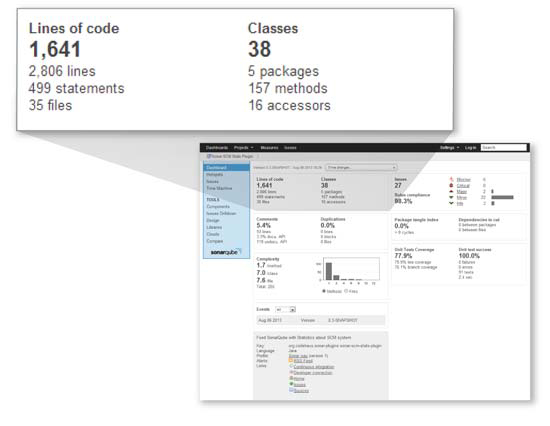
The size metrics widget at upper left falls in the neutral category. It tells you how many lines of code, methods, classes, and packages it found during the analysis, as shown in figure 1.4.
In chapter 6, we looked at complexity at a file level. In this chapter, we’ll zoom out to look at complexity at the package, module, and application levels, and discuss how to use SonarQube to keep your architecture in good modular shape. We’ll look at package and module-level dependencies and show you how to read the Dependency Structure Matrix (DSM) to find suspicious dependencies and suspicious cycles among software components. We’ll talk about why they’re bad and how you can remove them.
You want to keep your design clean and your system maintainable and extensible. SonarQube provides an extremely useful and powerful mechanism called the Dependency Structure Matrix. With the DSM, you can visualize the dependencies between software components (libraries, packages, or even source code files) and then find those cycles that make your system’s design too complicated.