liveBook · Manning

AddCors

As explained in ASP.NET Core in Action, 3e

AddCors is an ASP.NET Core service-registration method that adds Cross-Origin Resource Sharing configuration to an application.

AddCors registers Cross-Origin Resource Sharing services so an ASP.NET Core API can define which cross-origin browser requests it accepts. Add it to the API being accessed, not the application making the request; enable it only when a cross-origin requirement exists. section 29.3.2

A working CORS setup combines four parts:

  • Call AddCors() and define at least one named policy. section 29.3.2
  • Configure allowed origins, methods, headers, and credentials behavior through the policy builder. section 29.3.4
  • Add CORS middleware after routing so it knows the selected endpoint. section 29.3.3
  • Apply one default policy or select policies with RequireCors or EnableCors metadata; avoid combining default and endpoint policies unnecessarily. section 29.3.2 section 29.3.3

Allow one frontend origin

var builder = WebApplication.CreateBuilder(args); builder.Services.AddCors(options => { options.AddPolicy("AllowShoppingApp", policy => policy.WithOrigins("http://shopping.com") .AllowAnyMethod()); }); var app = builder.Build(); app.UseRouting(); app.UseCors("AllowShoppingApp"); app.MapGet("/api/products", () => new string[] { }); app.Run(); WithOrigins values must not include a trailing slash, or the origin will not match. section 29.3.2

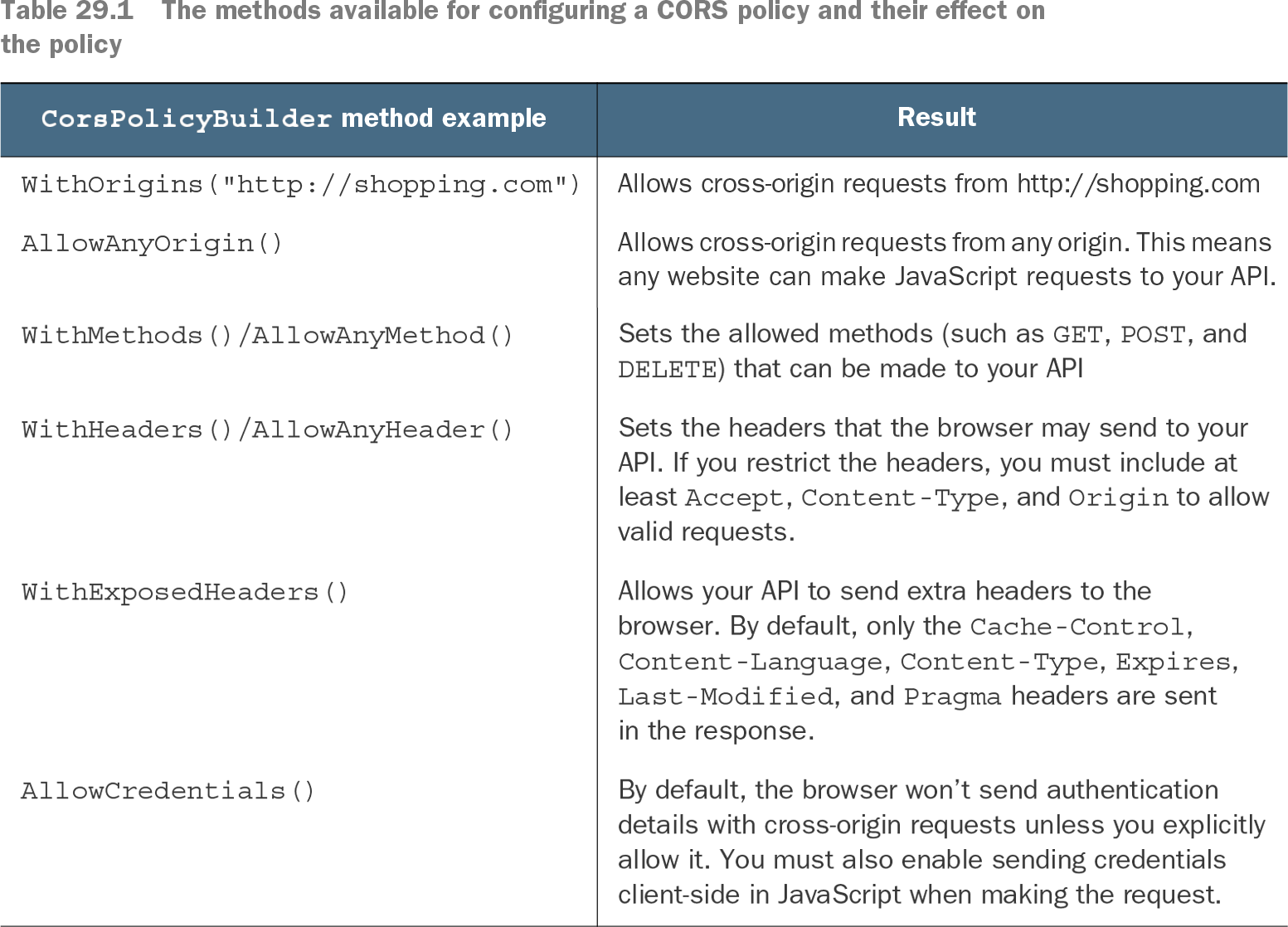
Table 29.1 The methods available for configuring a CORS policy and their effect on the policy (view table figure)

CorsPolicyBuilder method example

Result

WithOrigins("http://shopping.com")

Allows cross-origin requests from http:/ /shopping.com

AllowAnyOrigin()

Allows cross-origin requests from any origin. This means any website can make JavaScript requests to your API.

WithMethods()/AllowAnyMethod()

Sets the allowed methods (such as GET, POST, and DELETE) that can be made to your API

WithHeaders()/AllowAnyHeader()

Sets the headers that the browser may send to your API. If you restrict the headers, you must include at least Accept, Content-Type, and Origin to allow valid requests.

WithExposedHeaders()

Allows your API to send extra headers to the browser. By default, only the Cache-Control, Content-Language, Content-Type, Expires, Last-Modified, and Pragma headers are sent in the response.

AllowCredentials()

By default, the browser won’t send authentication details with cross-origin requests unless you explicitly allow it. You must also enable sending credentials client-side in JavaScript when making the request.

Use the policy-options table to compare origin, method, header, and exposed-header restrictions before widening access. section 29.3.4

How ASP.NET Core in Action, 3e covers it

How deep it goes
Explains registration, policy construction, middleware placement, and endpoint selection, but defers exhaustive policy-option details.
Examples
Uses a shopping API, a shopping frontend origin, named policies, minimal API endpoints, and policy-option comparisons.
What it assumes
Assumes basic ASP.NET Core startup knowledge while explaining CORS purpose and browser-origin restrictions from the beginning.
What you can do after
Operate/configure an ASP.NET Core API with a named default or endpoint-specific CORS policy.
How it connects
Connects CORS policies with CORS middleware, routing, endpoint metadata, minimal APIs, controllers, and reverse proxies.

Related concepts

This explainer was generated by Manning's knowledge graph from the text of ASP.NET Core in Action, 3e. The section links point to the parts of the book it draws on.