AI Builder adds low-code AI analysis to workplace workflows. In Teams, a prebuilt template can analyze email sentiment and send the results to a person or channel. section 7.3.1
A practical setup follows these steps:
- Open Workflows from the relevant Teams channel and choose the AI Automation template category. section 7.3.1
- Select “Analyze email sentiment with AI Builder and send results to Teams.” section 7.3.1
- Authorize connectors, choose specific senders or all incoming email, and select a recipient. section 7.3.1
- Refine the flow by monitoring an Outlook folder and posting results to a shared Teams channel. section 7.3.1
Figure 7.8 Accessing AI templates in Teams
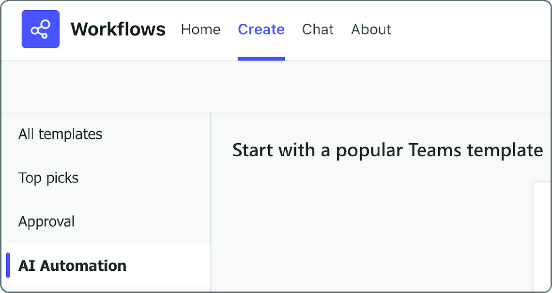
View the Teams path for finding AI templates before creating the workflow. section 7.3.1
