Cold standby is a disaster-recovery configuration in which only minimal infrastructure remains running. During failover, standby machines must be powered on, started, synchronized with current data, and connected to workloads. section 8.4.1
It costs less than hot standby because it avoids continuously running and synchronizing replacement servers, but recovery takes longer because machines must boot and data must catch up. Its suitability depends on whether the business can tolerate minutes, hours, or days of downtime. section 8.4.1
A workable cold-standby plan should:
- Define the outage conditions and service-impact thresholds that trigger failover. section 8.4.4
- Securely record contacts, network details, passwords, service startup order, and data-population procedures. section 8.4.4
- Update public and private DNS records, allowing time for propagation, then validate roles, configurations, and services in the recovery zone. section 8.4.4
- Test the procedure regularly during off-hours and maintain a reverse plan for returning to the primary zone. section 8.4.4
Cloud as a cold standby
An enterprise can stream data to cloud storage while keeping replacement infrastructure inactive. When needed, it creates the required environment, starts the services, restores current data, and pays for additional capacity only during use. section 8.4.5
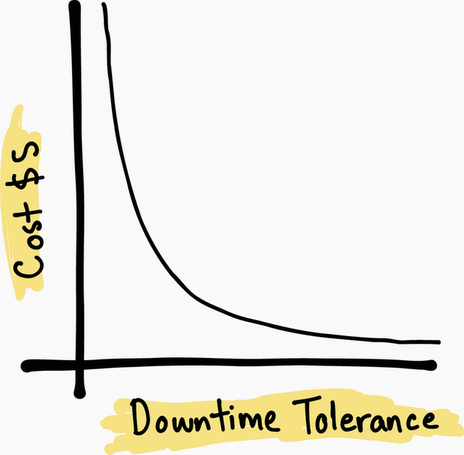
Compare downtime tolerance with the cost and operational burden of standby configurations. section 8.4.1
