A coordinate picker is a two-dimensional control for selecting values along horizontal and vertical axes. Dragging horizontally changes saturation; dragging vertically changes brightness. Unlike a slider, it tracks two percentage values, x and y, while its thumbnail moves in both directions. section 11.1 section 11.2
Minimal coordinate picker demo
Load the component as an ES module, size the custom element, and provide an initial background color: <wcia-coord-picker backgroundcolor="#ff0000"></wcia-coord-picker>. A 400-by-400 element gives the x and y percentages visible room for dragging.
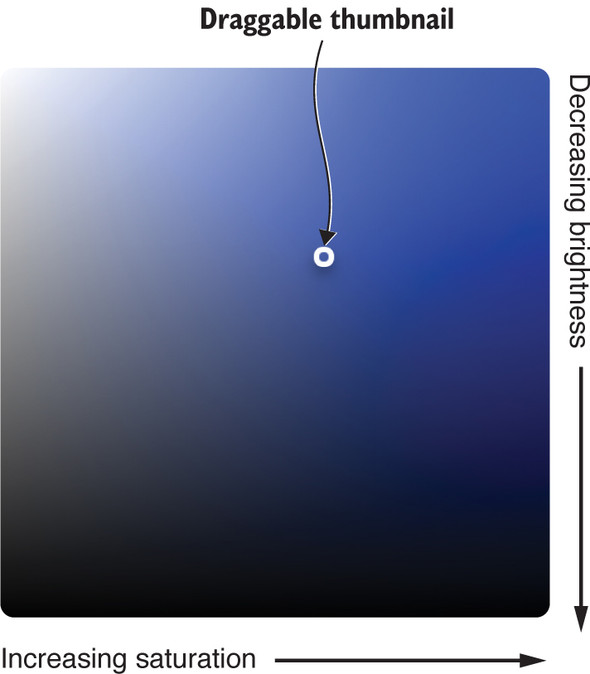
Use the saturation-and-brightness picker figure to connect the two-axis interaction with the component’s color-selection role. section 11.1
