docker login authenticates the Docker client with a private container registry before images can be pushed or pulled. Supply the registry URL and that registry’s username and password; successful authentication enables subsequent Docker commands against the registry. section 3.9.2
Use docker login as part of the image-publishing workflow:
- Create or identify the private registry and record its URL and credentials. section 3.9 section 3.9.2
- Authenticate with docker login using your own registry details. section 3.9.2
- Tag the local image with the registry URL, then use docker push to publish it. section 3.9.2
- Run the published image again to verify that it can be started from the registry. section 3.9
Successful authentication
Authenticate against your own registry with its URL, username, and password. Correct credentials produce a warning followed by “Login Succeeded”; the warning indicates insecure password handling that requires later security attention. section 3.9.2
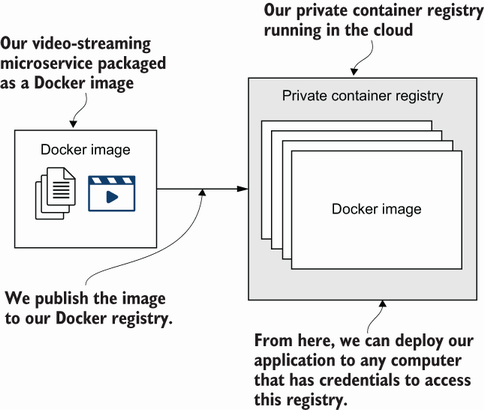
Follow the publishing flow from a local Docker image through registry authentication, image upload, and later deployment to Kubernetes. section 3.9


