dotnet run builds and starts a .NET application from its project directory so you can open its URL and send requests to the running app. section 3.3 section 27.1.1
Use dotnet run when you want to:
- Start a new ASP.NET Core application and view its basic response in a browser. section 3.3
- Run a Razor Pages application and inspect its generated Home and Privacy pages. section 13.1.1
- Execute the compiled application during development; use dotnet publish instead when preparing files for deployment. section 27.1.1
Run a Razor Pages application
Create the application with the .NET CLI, move into its project folder, and run dotnet run. The command starts the app, after which you open the reported URL and see the template’s Welcome page. Select Home or Privacy to check that navigation works. section 13.1.1
Figure 13.2 The output of your new Razor Pages application. The template chooses a random port to use for your application’s URL, which is opened automatically in the browser when you run the app.
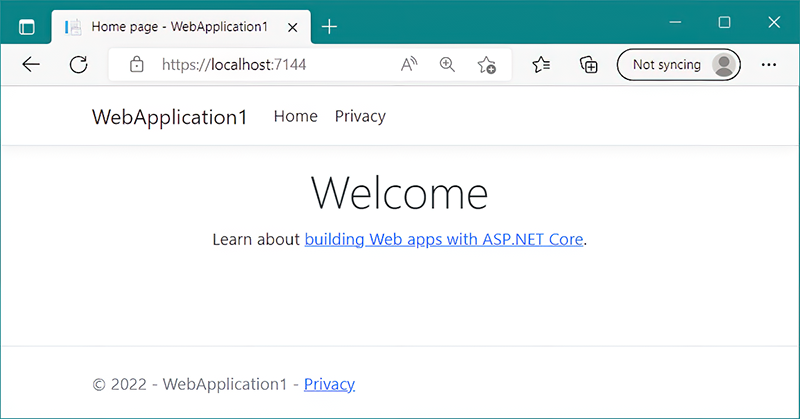
The template chooses a random port, and the running Razor Pages application opens at that URL. section 13.1.1
