A flow editor is a visual workspace for designing and orchestrating GenAI applications. Choose components from organized sections, place them on a canvas, and connect them to combine their functions. section 2.3
A typical flow-editor workflow includes:
- Start with a blank flow. section 2.3
- Add components such as chat input, chat output, data sources, files, knowledge, and language models. section 2.3
- Connect components on the canvas, then use the Playground to test the result. section 2.3
- Share the flow, embed it in an application, or expose it through an API. section 2.3
Pirate chatbot
Build a chatbot that responds in Pirate English by connecting chat input, processing components, a language model, and chat output. Try conversations in the Playground as you refine the flow. section 2.3
Figure 2.9 The flow editor in Langflow
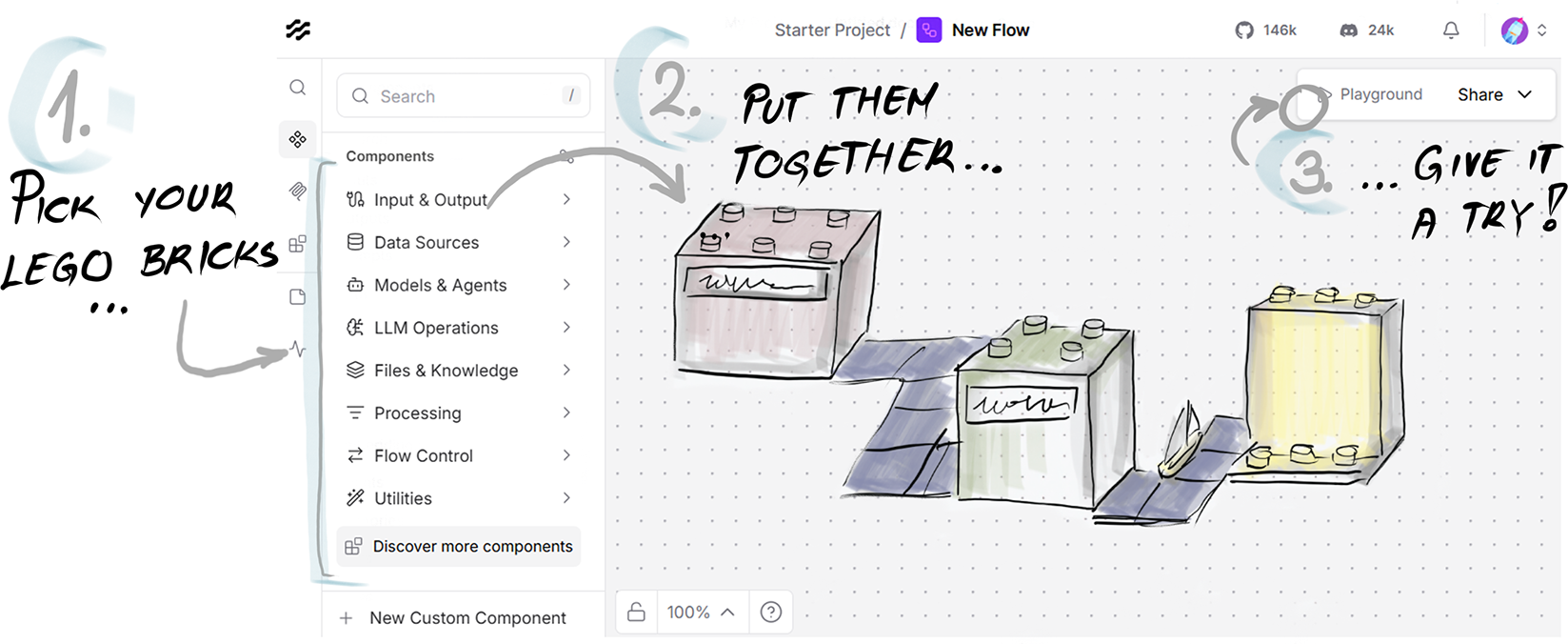
Use the flow-editor figure to identify the component library, central canvas, and testing and sharing controls. section 2.3
