Get-ExecutionPolicy retrieves the execution policy that the current PowerShell session will obey. Use it before running scripts to confirm whether execution is permitted. section 7.2 section 7.2.2
Use the cmdlet to check:
- Run Get-ExecutionPolicy for the effective policy. section 7.2.2
- Run Get-ExecutionPolicy -List to inspect policy values for every scope. section 7.2.2
- Treat the displayed scope list as diagnostic rather than precedence order; the effective result reflects the applicable settings. section 7.2.2
Prerequisite check
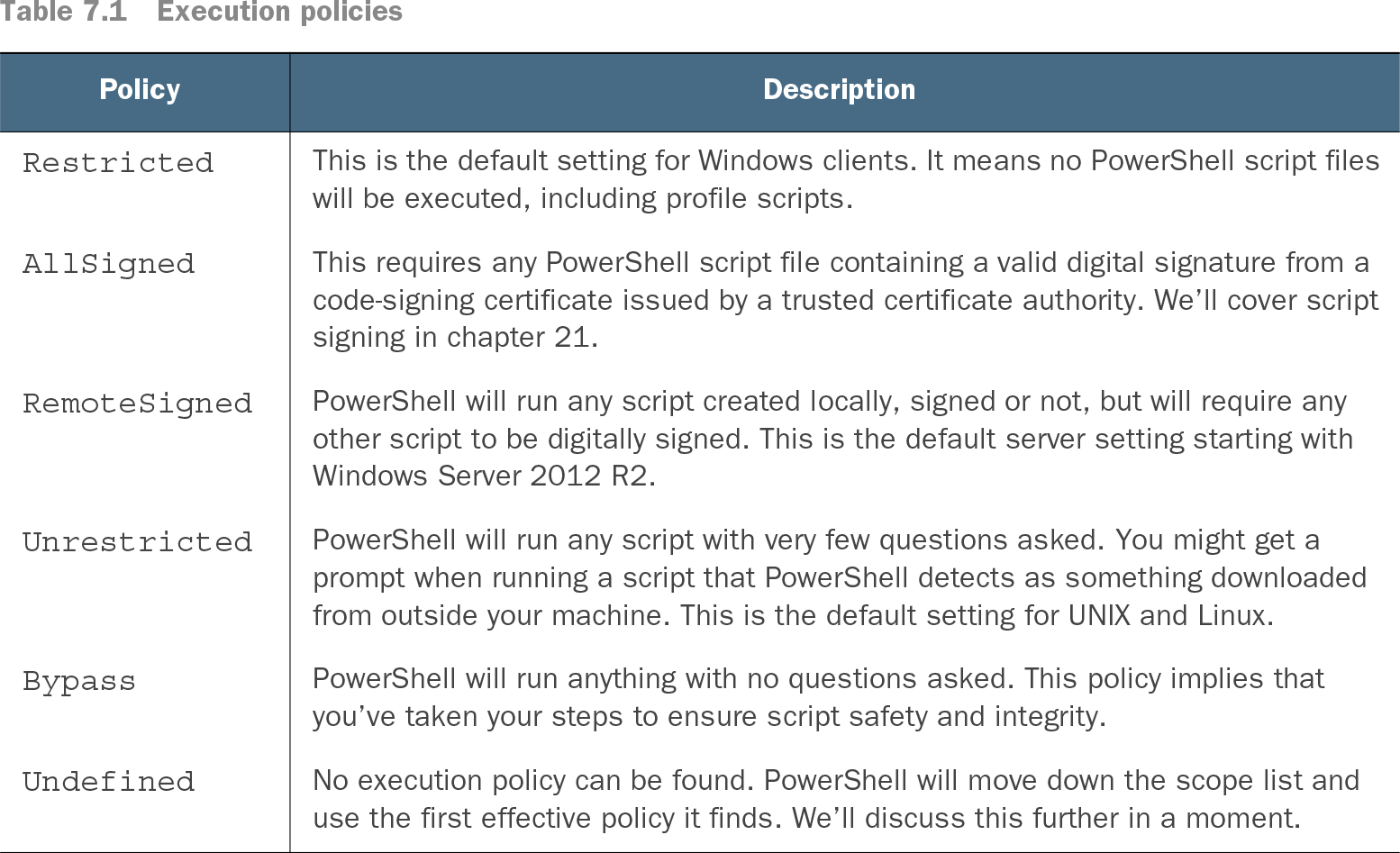
Before testing scripts, run Get-ExecutionPolicy. RemoteSigned, Bypass, or Unrestricted permits the intended setup; Restricted or AllSigned may prevent execution. Change the policy only when appropriate, using Set-ExecutionPolicy or organizational policy. section 2.3 section 10.3
| Policy |
Description |
| Restricted |
This is the default setting for Windows clients. It means no PowerShell script files will be executed, including profile scripts. |
| AllSigned |
This requires any PowerShell script file containing a valid digital signature from a code-signing certificate issued by a trusted certificate authority. We’ll cover script signing in chapter 21. |
| RemoteSigned |
PowerShell will run any script created locally, signed or not, but will require any other script to be digitally signed. This is the default server setting starting with Windows Server 2012 R2. |
| Unrestricted |
PowerShell will run any script with very few questions asked. You might get a prompt when running a script that PowerShell detects as something downloaded from outside your machine. This is the default setting for UNIX and Linux. |
| Bypass |
PowerShell will run anything with no questions asked. This policy implies that you’ve taken your steps to ensure script safety and integrity. |
| Undefined |
No execution policy can be found. PowerShell will move down the scope list and use the first effective policy it finds. We’ll discuss this further in a moment. |
Compare Restricted, AllSigned, RemoteSigned, Unrestricted, and Bypass when interpreting the returned policy. section 7.2