IIS integration prepares an ASP.NET Core application to work with Internet Information Services. With out-of-process hosting, IIS acts as a reverse proxy: it forwards incoming requests to the application and returns the application’s responses. section 27.2.2
Choose the hosting integration that matches the IIS hosting model:
- UseIIS() configures in-process hosting, where IIS hosts the application directly inside the IIS process. section 27.2.2
- UseIISIntegration() configures out-of-process hosting, where the application runs separately behind IIS. section 27.2.2
- WebApplicationBuilder adds IIS integration automatically; custom application builders using HostBuilder must add the appropriate extension method explicitly. section 27.2.2
- The methods have no effect when the application is not hosted with IIS, so including them is safe in that situation. section 27.2.2
Custom builder with out-of-process IIS hosting
An application built with a custom HostBuilder can call UseIISIntegration() so the application and IIS negotiate the configuration required for out-of-process hosting. Applications created with WebApplicationBuilder normally need no additional call. section 27.2.2
A reverse proxy can change request details while forwarding traffic. ForwardedHeadersMiddleware uses headers such as X-Forwarded-For and X-Forwarded-Proto to restore the client address and original HTTP scheme; WebApplicationBuilder adds this middleware in a disabled state, enabled with ASPNETCORE_FORWARDEDHEADERS_ENABLED=true. section 27.3.2
Figure 27.8 The published application, using IIS as a reverse proxy listening at the URL http://localhost:81
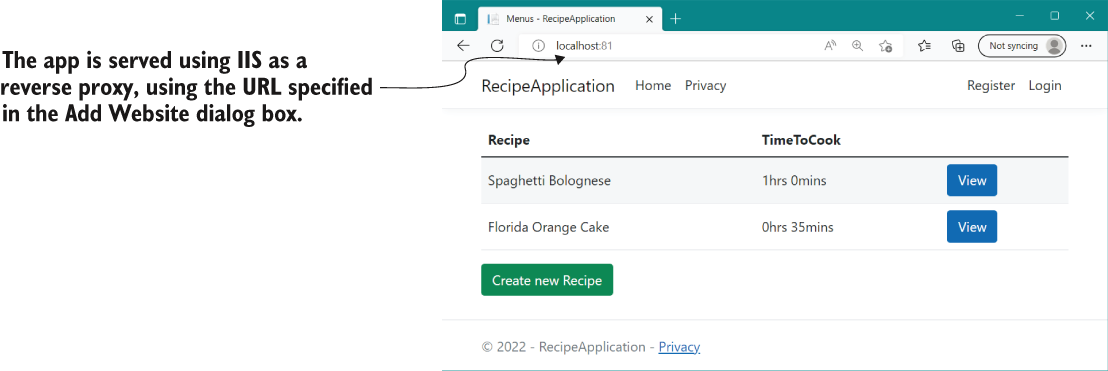
The deployment arrangement shows IIS acting as a reverse proxy in front of the published application. section 27.2.2
