An image filter transforms pixel data to improve a photo or create an artistic effect. A practical pipeline can remove camera noise, increase sharpness, and prepare the result for later processing. section 3.1
A small image-filtering workflow typically:
- Loads a photo from a file into an array or tensor. section 3.1
- Preprocesses the image and converts pixel values to floating-point numbers. section 3.1
- Creates noisy input, filters it to reduce noise and increase sharpness, then saves the processed image. section 3.1
Denoising a noisy photo
Imagine a statue photograph containing camera artifacts. Represent the image as a NumPy array, simulate additional noise, apply a filter, and save the cleaner result. The same demonstration can then move to JAX with only a couple of import changes. section 3.1
Figure 3.1 An example of image processing we want to implement
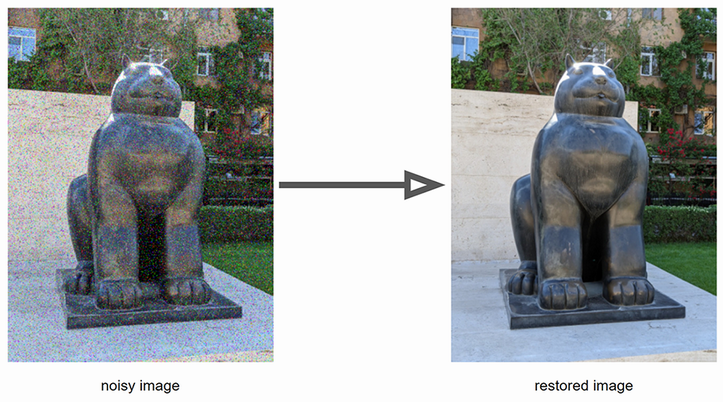
Use the visual example to connect noisy input, filtering, and the intended processed image. section 3.1

