When an AI produces a result, users may need help understanding what happened. An in-context explanation appears during or immediately before the interaction or output, helping users connect cause and effect while the experience is fresh. section 10.2.2
Choose how prominent the explanation needs to be. A required window ensures users encounter it, but makes them dismiss it before seeing the output. For less intrusive guidance, use progressive disclosure: keep explanations available through tooltips or popups without crowding the interface. section 10.2.2
Figure 10.16 For data visualizations and predictive AI features, use interactive elements such as tooltips to explain scores and values.
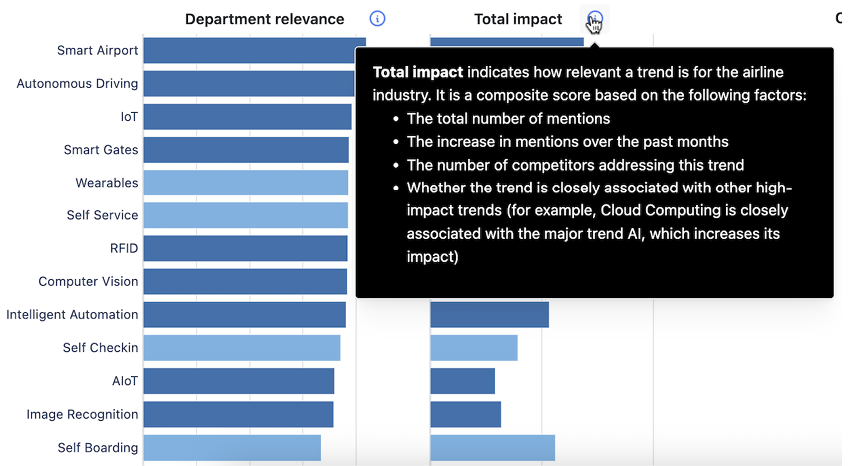
Tooltips can explain scores and values directly within data visualizations and predictive AI features. section 10.2.2
