The Kaggle utility is a command-line interface for finding and downloading datasets from Kaggle services. It turns a dataset page into a repeatable shell-based data-acquisition step, useful when building tabular-data workflows. section 2.3.2
Download German Credit Risk data
After registering with Kaggle and installing the utility, download the dataset from a shell with: kaggle datasets download -d uciml/german-credit. section 2.3.2
Figure 2.4 Options on the German Credit Risk page at Kaggle Datasets (menu on the right). Easily download the entire dataset with the Kaggle API command from the top-down menu. You can find the command by requiring it directly on the screen from the menu associated with the page, as shown in the figure.
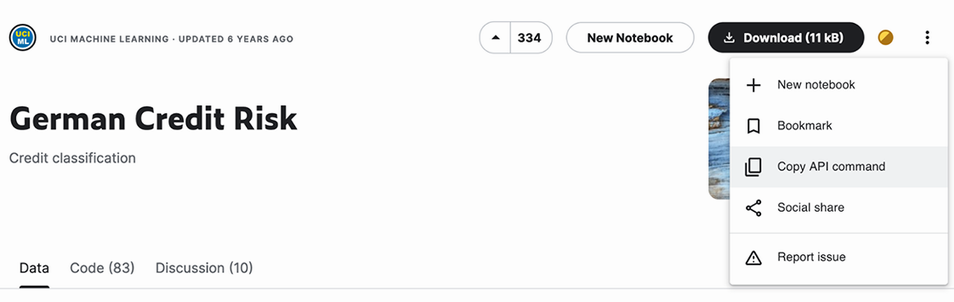
Use the dataset page’s options menu to obtain the Kaggle API command for downloading the entire dataset. section 2.3.2
